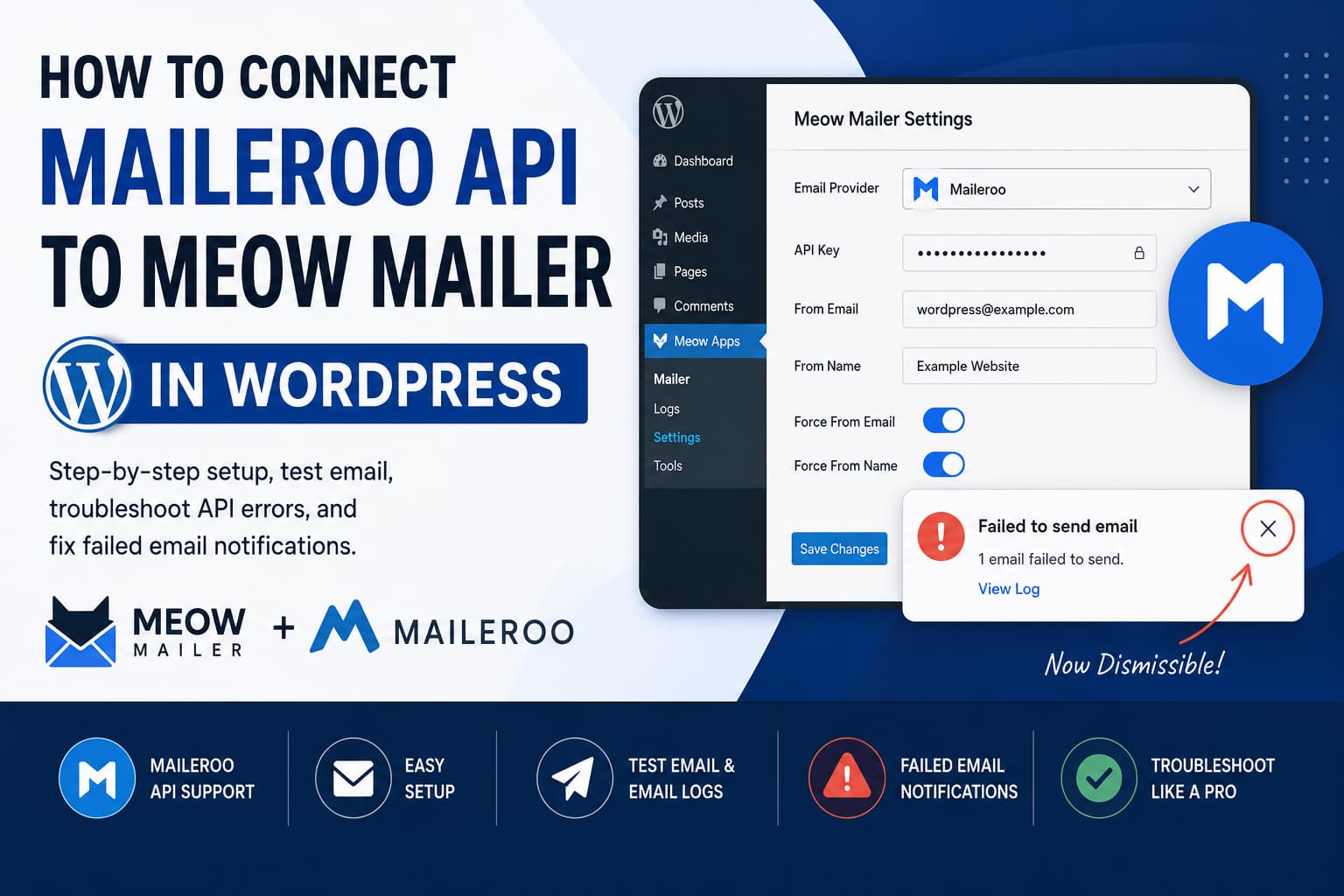
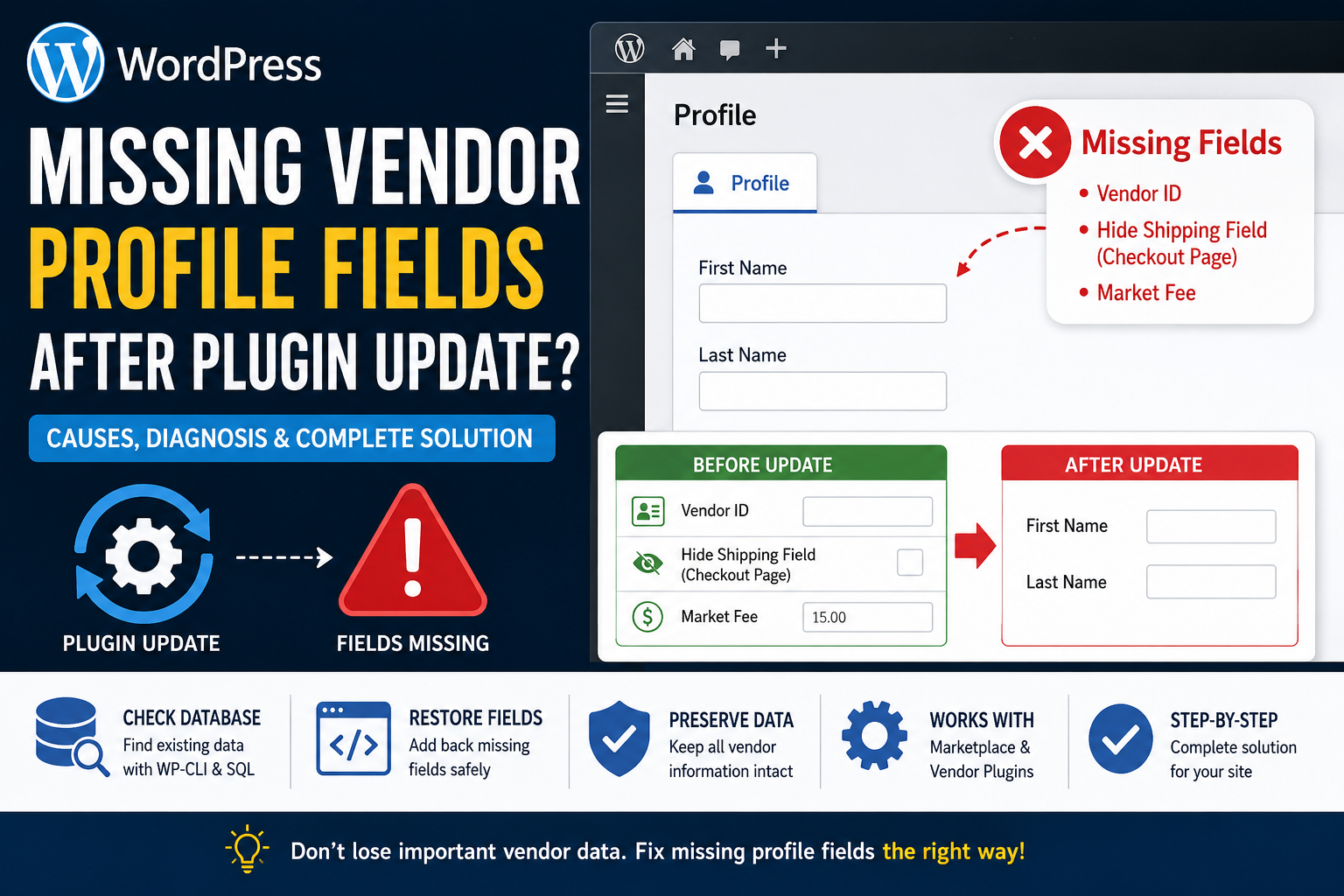
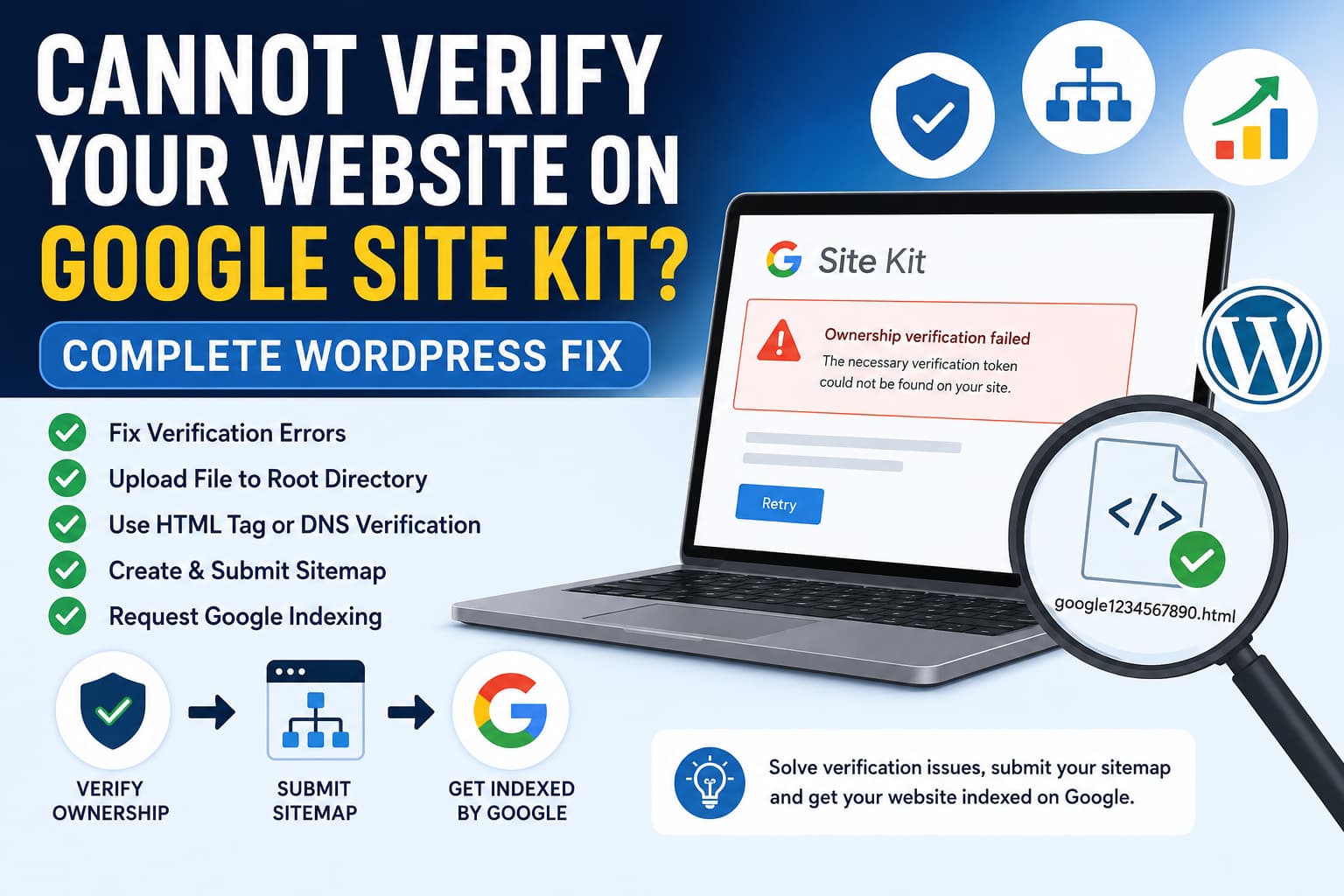
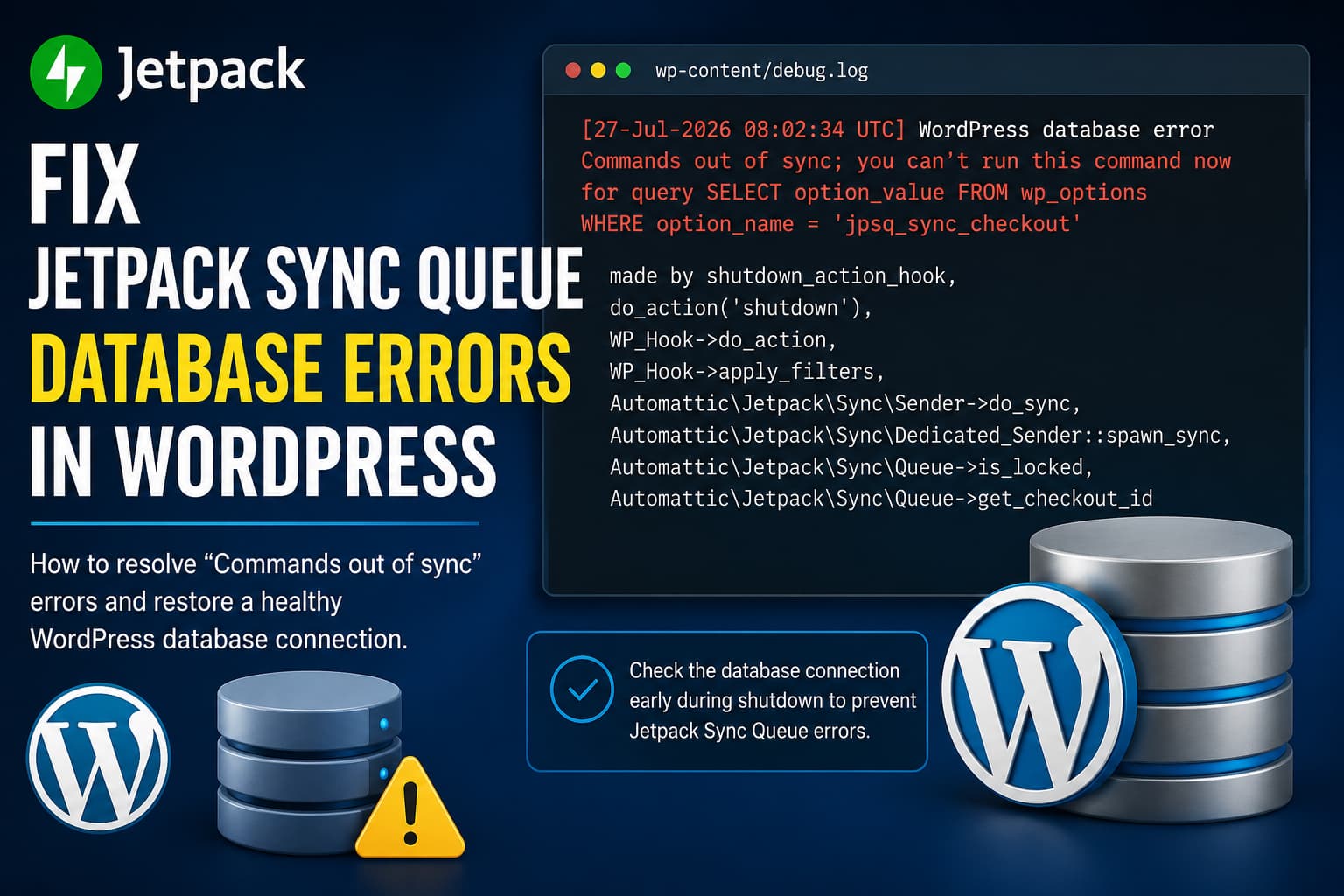
How to Fix WordPress Double Opt-In Email Not Sending After Newsletter Subscription

WordPress opt-in email not received

A WordPress newsletter subscription form can appear to work correctly while still failing during the most important part of the process. You may notice the following symptoms: This usually means the subscription request reached WordPress successfully, but the confirmation email failed during generation, sending, or delivery. In this guide, we will troubleshoot every stage of … Read more

How to Fix Cloudflare Turnstile Not Showing on the WordPress Login Page

Cloudflare Turnstile not showing on WordPress login

Cloudflare Turnstile is enabled, the Site Key and Secret Key are accepted, and the plugin’s API test completes successfully. However, when you visit the WordPress login page, the Turnstile verification box does not appear. This problem can be particularly confusing when the same Simple CAPTCHA with Cloudflare Turnstile settings work correctly on a development website … Read more

How to Fix CleanTalk False Positive for WP Offload Media Pro grpc_php_plugin

CleanTalk WP Offload Media false positive

A WordPress administrator may receive repeated CleanTalk malware warnings for the following file: The warning can continue appearing even after the file has been reviewed and approved inside the CleanTalk Malware Scanner. In a recently reported case, the developer of WP Offload Media Pro confirmed that the file is officially included with the plugin. The … Read more

Google for WooCommerce Products Not Syncing? Fix 0 Products Pushed

Google for WooCommerce products not syncing

Google for WooCommerce can sometimes show that every account is connected correctly while sending absolutely no products to Google Merchant Center. A typical case looks like this: This is different from a normal product rejection or disapproval. The critical clue is that Google for WooCommerce is not scheduling the product-sync jobs at all. This guide … Read more

How to Fix WooCommerce Admin “Create New Order” Not Working

WooCommerce manual order error

When the Create New Order feature stops working inside the WooCommerce admin area, store managers may be unable to add phone orders, replacement orders, test orders, or manually entered customer purchases. A recently reported conflict indicates that this can happen when the Custom Order Numbers for WooCommerce plugin is active. In this guide, you will … Read more

WooCommerce EPUB Download Not Working? How to Sell EPUB and PDF eBooks Correctly

WooCommerce EPUB download not working

A WooCommerce store owner recently reported an interesting issue: “I’m going to sell an eBook through WooCommerce. During testing, many people could download the PDF version but not the EPUB version. Does that mean I should not offer EPUB?” The answer is no, you should not remove the EPUB version simply because some testers had … Read more

How to Fix a WordPress 503 Error When Saving Menus and Stop Private Pages Appearing in Search

WordPress menu not saving

A WordPress administrator may occasionally encounter a 503 Service Unavailable error while saving a navigation menu under Appearance > Menus. The menu screen may continue spinning, making it appear that the changes were not saved. After refreshing the page, however, the changes may already be present. At the same time, pages intended only for logged-in … Read more

Fix “You Do Not Have Permission to Finish App Store Login” in WooCommerce

Facebook for WooCommerce

When connecting a Facebook business account to WooCommerce, the Meta for WooCommerce setup process may stop after authorization and display the following message: You do not have permission to finish App Store login. The wording is confusing because it sounds like an Apple App Store error. However, this message has nothing to do with Apple, … Read more

How to Add a Custom Registration Field in Tutor LMS v4

Tutor LMS add custom field registration

Adding a custom field to the Tutor LMS student registration form should be relatively straightforward. However, older tutorials and even parts of the official documentation can send developers to the wrong dashboard template. The documentation previously instructed users to place the editable profile field inside: That path is not the correct location for the editable … Read more