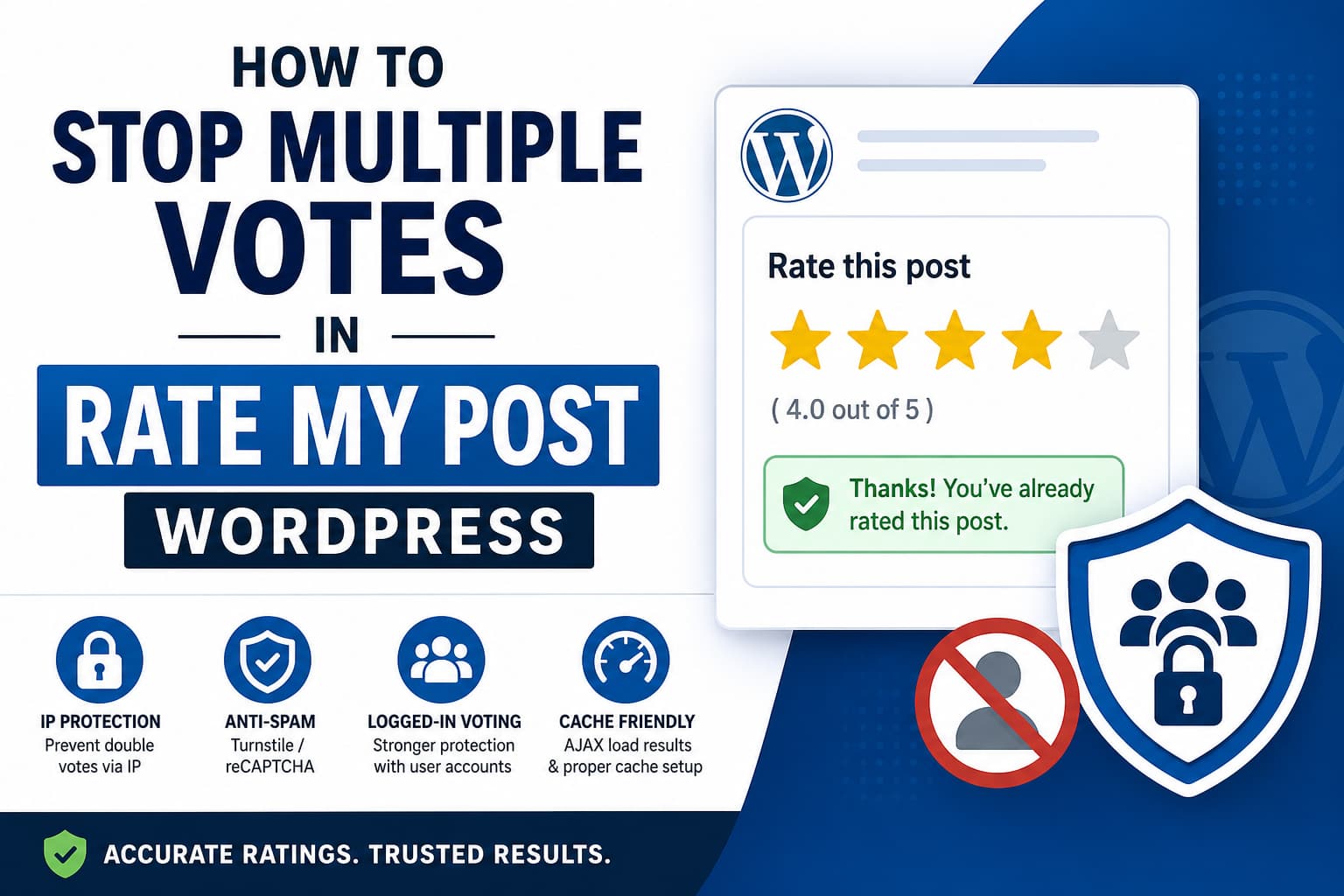
A WordPress website using the Rate My Post – Star Rating Plugin by FeedbackWP may allow the same visitor to rate an article more than once.
The problem is particularly noticeable during development. You submit a rating, clear your browser cookies, reload the page, and suddenly the rating widget becomes available again. The same thing may happen in an incognito window, another browser, through a VPN, or after switching networks.
This can make the rating totals unreliable when you use them to decide which posts readers find most useful.
The plugin is not necessarily malfunctioning. In most cases, repeat voting happens because its default duplicate-vote protection relies on browser cookies. Once that cookie is removed, the website no longer recognizes the browser as having voted.
The plugin developer’s recommendation for this situation is to enable Prevent double votes via IP in the plugin’s Security settings.
This guide explains why repeat votes happen and how to configure Rate My Post for more reliable results.
Why Rate My Post Allows Multiple Ratings
Rate My Post can use several methods to identify previous voters:
- Browser cookies
- Visitor IP addresses
- Logged-in WordPress user accounts
- Anti-bot verification such as Cloudflare Turnstile or Google reCAPTCHA
Cookie protection is convenient and does not require visitors to create an account. However, it is also the easiest protection to bypass.
Clearing cookies removes the voting record
When a visitor votes, the plugin can save a cookie in the browser indicating that the post has already been rated.
Deleting that cookie removes the browser-side voting record. The rating stored in the WordPress database remains, but the browser may once again display the interactive rating widget.
This means that:
- Clearing the browser cache alone should not normally reset the vote.
- Clearing cookies can reset cookie-based vote protection.
- Clearing all browsing data usually removes both the cache and cookies.
- Using another browser creates a separate cookie environment.
- Incognito mode uses a temporary and separate cookie store.
Browser cache and browser cookies are not the same thing. Cache stores copies of resources such as images, CSS, JavaScript, and pages. Cookies store small pieces of information associated with the visitor’s browser session.
Incognito mode creates a new cookie session
An incognito or private browser window usually does not use the cookies stored in the normal browser window.
Therefore, a rating plugin relying only on cookies may treat the incognito visitor as a new person.
Closing and reopening the private browsing session can also delete its temporary cookies, making another vote possible.
A VPN can change the visitor’s IP address
IP-based protection is stronger than cookie-only protection, but it is not impossible to bypass.
When a visitor connects through a VPN, mobile network, proxy, or another internet connection, their public IP address may change. The plugin may then consider the visitor a different voter.
Anonymous public voting can therefore be made resistant to casual duplicate voting, but it cannot be made completely tamper-proof.
Check the “Delete Cookie on Page Load” Setting
Before enabling additional security, check whether the development option called Delete cookie on page load is enabled.
Rate My Post includes this option so administrators can repeatedly test the rating widget during setup. When enabled, the plugin deletes the rating cookie after the page loads, allowing the same browser to vote again.
The official plugin documentation describes this as a testing feature intended for situations where the administrator wants to cast multiple votes while configuring the plugin.
Open your WordPress dashboard and navigate to the Rate My Post or FeedbackWP settings. The exact menu label may vary slightly between plugin versions.
Find:
Delete cookie on page load
Make sure this option is disabled on the live website.
After changing it:
- Save the plugin settings.
- Clear the WordPress page cache.
- Purge the hosting cache.
- Purge the CDN cache if you use Cloudflare or another CDN.
- Test again in a fresh browser session.
Leaving this option enabled on a production website can make repeated voting much easier.
Enable IP-Based Double-Vote Protection
The most important improvement for anonymous visitors is IP-based protection.
Navigate to:
WordPress Dashboard > Rate My Post or FeedbackWP > Settings > Security
Enable:
Prevent double votes via IP
Save the settings and clear all website caches.
The plugin’s official feature list confirms that Rate My Post supports duplicate-vote protection through cookies, IP addresses, and logged-in user restrictions.
Once IP protection is enabled, clearing browser cookies should no longer be enough to submit another rating from the same public IP address.
What should happen after enabling it?
A visitor submits a rating from an IP address such as:
203.0.113.25
The plugin associates that IP with the rated post. If the visitor then:
- Clears cookies
- Clears browser cache
- Uses another browser
- Opens an incognito window
the plugin should still recognize that the same IP address has already rated the post.
However, changing to a different network or VPN server may provide a different IP and allow another rating.
Confirm WordPress Is Detecting the Correct Visitor IP
IP protection works only when WordPress receives the visitor’s real public IP address.
Websites behind Cloudflare, a reverse proxy, a load balancer, or some managed hosting platforms may initially see the proxy server’s IP instead of the visitor’s IP.
This can produce two opposite problems:
- Everyone appears to use the same IP, so legitimate visitors are blocked from voting.
- The plugin receives inconsistent IP information, making duplicate protection unreliable.
Test the rating system from two genuinely separate connections:
- Submit a rating through your normal Wi-Fi connection.
- Open the post on a phone using mobile data with Wi-Fi disabled.
- Confirm that the second connection can vote.
- Return to the first connection and confirm it remains blocked.
If all visitors are blocked after only one vote, investigate whether WordPress is detecting a CDN or reverse-proxy address instead of individual visitor IPs.
Enable Cloudflare Turnstile or reCAPTCHA
Rate My Post also supports Cloudflare Turnstile and reCAPTCHA protection. The current plugin feature list includes Cloudflare Turnstile, reCAPTCHA v3, cookie protection, and IP-based duplicate-vote prevention.
Turnstile or reCAPTCHA will not permanently identify a person, but it can reduce:
- Automated voting bots
- Scripted AJAX requests
- Repeated high-volume submissions
- Basic vote manipulation tools
- Spam traffic targeting the rating endpoint
For most websites, Cloudflare Turnstile is a good option because it usually requires less visible interaction from legitimate visitors.
Open the plugin’s Security settings and configure one of the available anti-bot services. Do not enable multiple CAPTCHA systems unless the plugin explicitly supports using them together.
After enabling protection, test the widget while:
- Logged out of WordPress
- Using a normal browser
- Using an incognito window
- Using a mobile device
- Temporarily disabling browser extensions that block scripts
Make sure the anti-bot script is not being delayed or removed by a performance optimization plugin.
Use Logged-In Voting for the Most Accurate Results
When rating accuracy is more important than allowing every anonymous visitor to vote, enable:
Only logged-in users can vote
This allows the plugin to associate a vote with a WordPress user account instead of relying entirely on cookies or IP addresses.
Logged-in voting is the strongest built-in option because:
- Clearing browser cookies does not create a new WordPress account.
- Switching browsers does not bypass the account restriction.
- Changing IP addresses does not create another vote for the same account.
- Administrators can more easily audit suspicious activity.
The disadvantage is that readers must register and log in before rating a post. This additional step will normally reduce the total number of ratings.
Choose the method based on your website:
Public blog
Use:
- Cookie protection
- IP protection
- Cloudflare Turnstile or reCAPTCHA
This keeps the rating process easy while stopping casual duplicate voting.
Membership or community website
Use:
- Logged-in users only
- User-account duplicate protection
- Optional Turnstile on registration and login forms
This produces more dependable rating data.
Polls, contests, or decisions with financial consequences
Do not rely on a basic WordPress post-rating widget as the only voting system. Use verified accounts, email confirmation, audit logs, rate limiting, and a purpose-built voting platform.
Configure Caching Correctly
Caching does not normally create duplicate database votes by itself. However, caching can make the frontend widget display an outdated voting state.
For example, the cached page may continue showing active stars even though the visitor has already voted.
Enable AJAX Load Results
Rate My Post includes an AJAX load results option for situations where cached pages display outdated vote totals or widget states.
The plugin documentation recommends enabling AJAX loading when rating results do not update correctly while a caching plugin is active.
Navigate to the plugin’s advanced settings and enable:
AJAX load results
Then clear:
- WordPress plugin cache
- Server or hosting cache
- Redis or Memcached object cache
- CDN cache
- Browser cache
Test the post while logged out.
Keep page-cache lifetime below 24 hours
Rate My Post uses WordPress nonces to secure rating requests. A cached page can contain an expired nonce when it remains cached for too long.
The official documentation explains that WordPress nonces may stop working on pages cached for more than 24 hours. It recommends setting the page-cache lifetime below 24 hours. For LiteSpeed Cache, the documented example uses a TTL of 86400 seconds.
A safer setting is slightly below 24 hours, such as:
82800 seconds
That equals 23 hours.
Avoid increasing the WordPress nonce lifetime unless there is a specific technical reason. Reducing the cache lifetime is usually the simpler and safer solution.
Check CDN and optimization settings
JavaScript optimization can interfere with the rating widget when it:
- Delays the plugin’s JavaScript too aggressively
- Combines scripts in the wrong order
- Removes inline configuration
- Caches AJAX responses
- Blocks Turnstile or reCAPTCHA scripts
Temporarily disable JavaScript delay, defer, combination, and minification. Test the rating widget again.
If it starts working, re-enable the options one at a time and exclude the affected plugin or CAPTCHA scripts from optimization.
Recommended Rate My Post Security Configuration
For a public WordPress blog, use the following configuration:
Rating protection
- Prevent double votes with cookies: Enabled
- Prevent double votes via IP: Enabled
- Delete cookie on page load: Disabled
- Prevent accidental votes: Enabled
Anti-spam protection
- Cloudflare Turnstile or reCAPTCHA: Enabled
- Only one CAPTCHA service active
- Rating AJAX requests excluded from server-side caching
Cache compatibility
- AJAX load results: Enabled when results remain stale
- Page-cache TTL: Less than 24 hours
- WordPress, server, and CDN caches cleared after changes
Strongest accuracy option
- Only logged-in users can vote: Enabled when registration is acceptable
How to Test Duplicate-Vote Protection
Do not confirm the fix by submitting only one rating. Use a structured test.
Test 1: Same browser without clearing anything
- Open a post.
- Submit a rating.
- Refresh the page.
- Try to vote again.
Expected result: The visitor cannot submit another rating.
Test 2: Clear browser cache only
- Clear cached images and files.
- Do not delete cookies.
- Reload the same post.
- Try to vote again.
Expected result: The visitor remains blocked.
Test 3: Clear cookies
- Delete cookies for the website.
- Reload the post.
- Try to vote again.
Expected result with cookie protection only: Another vote may be possible.
Expected result with IP protection enabled: The visitor remains blocked.
Test 4: Incognito window
- Open a private browsing window.
- Visit the same post.
- Try to submit another rating.
Expected result with IP protection enabled: The visitor remains blocked while using the same internet connection.
Test 5: Different network
- Disable Wi-Fi on a mobile phone.
- Use mobile data.
- Visit the same post.
- Submit a rating.
Expected result: The vote may be accepted because the mobile connection uses another public IP address.
This is normal for anonymous IP-based protection.
Test 6: VPN connection
- Connect to a VPN server.
- Open a new private browser session.
- Visit the rated post.
- Try to vote again.
Expected result: Another vote may be possible because both the cookie environment and IP address have changed.
Turnstile or reCAPTCHA can reduce automated abuse, but it cannot prove that two different IP addresses belong to the same person.
Test 7: Logged-in account
When logged-in-only voting is enabled:
- Submit a vote from one browser.
- Log in to the same account through another browser.
- Try to vote again.
Expected result: The account cannot submit another vote for the same post.
Why IP Protection Is Not Perfect
IP protection significantly improves anonymous voting, but it has limitations.
Shared connections
Several people in the same:
- Home
- Office
- School
- Hotel
- Public Wi-Fi network
may share one public IP address. After one person votes, others may be prevented from voting.
Dynamic IP addresses
Some internet providers regularly change customer IP addresses. A visitor may eventually receive a new address and become eligible to vote again.
Mobile networks
Mobile providers may rotate addresses or route large numbers of customers through shared gateways.
IPv4 and IPv6 changes
A device may alternate between IPv4 and IPv6 connections. Depending on how the plugin stores and compares addresses, these connections can appear different.
VPNs and proxies
A visitor can deliberately change IP addresses through a VPN or proxy.
For these reasons, IP blocking is best considered a deterrent rather than a permanent identity system.
How to Keep Rating Data Useful
Even after securing the rating widget, avoid making content decisions from a very small number of votes.
A post with one five-star vote is not necessarily more successful than a post with 100 votes and an average rating of 4.6.
Consider:
- Average rating
- Total number of votes
- Page views
- Time on page
- Search traffic
- Conversion rate
- Written visitor feedback
- Returning visitor behavior
Set a minimum vote threshold before comparing articles. For example, you might exclude posts with fewer than 10 ratings from your content-planning analysis.
This reduces the influence of accidental, duplicate, or statistically insignificant votes.
Troubleshooting Checklist
When visitors can still rate repeatedly, check the following:
- Rate My Post is updated to the latest stable version.
- Delete cookie on page load is disabled.
- Cookie-based duplicate protection is enabled.
- Prevent double votes via IP is enabled.
- Changes were saved successfully.
- WordPress, hosting, object, and CDN caches were purged.
- AJAX load results is enabled when cached results remain visible.
- The page-cache lifetime is below 24 hours.
- Cloudflare Turnstile or reCAPTCHA is configured correctly.
- WordPress receives the actual visitor IP.
- The rating AJAX endpoint is not cached.
- JavaScript optimization is not breaking the rating request.
- The test is performed while logged out of WordPress.
- Vote totals are checked in the plugin analytics, not only on the cached frontend.
Frequently Asked Questions
Can clearing the browser cache allow another vote?
Clearing cached files alone should not remove a voting cookie. However, browser cleanup tools often delete cookies and cached files together. Deleting the rating cookie can allow another vote when cookie-only protection is used.
Why can I vote again in an incognito window?
Incognito mode uses a separate temporary cookie store. Cookie-based protection may therefore treat the private browser session as a new visitor.
Enabling IP-based duplicate-vote protection should block another vote from the same connection.
Can IP protection stop VPN users?
Not completely. A VPN can provide a different public IP address. Combining IP protection with Turnstile, reCAPTCHA, rate limiting, and logged-in voting provides stronger protection.
Does caching cause duplicate votes?
Caching usually affects what the visitor sees rather than directly creating database votes. A cached page can display an outdated active widget or old rating total. Enable AJAX load results and keep the page-cache lifetime below 24 hours.
What is the most accurate Rate My Post configuration?
Requiring users to log in before voting is the most reliable built-in configuration. It associates the vote with a WordPress account instead of depending entirely on cookies and IP addresses.
Should “Delete cookie on page load” be enabled?
No, not on a production website. It is a development and testing option that intentionally removes the voting cookie so the widget can be tested repeatedly.
Final Solution
Rate My Post allows repeat ratings mainly because cookie-based protection depends on data stored in the visitor’s browser. When cookies are cleared, an incognito window is opened, or another browser is used, the cookie record is no longer available.
For a public blog, the recommended solution is:
- Disable Delete cookie on page load.
- Keep cookie-based duplicate protection enabled.
- Enable Prevent double votes via IP.
- Enable Cloudflare Turnstile or reCAPTCHA.
- Enable AJAX load results when caching displays outdated information.
- Keep the page-cache lifetime below 24 hours.
- Purge all cache layers after changing the settings.
- Require logged-in voting when highly accurate figures are essential.
This configuration will not make anonymous voting impossible to bypass, but it will prevent most accidental and casual duplicate ratings while keeping the rating process convenient for legitimate readers.
