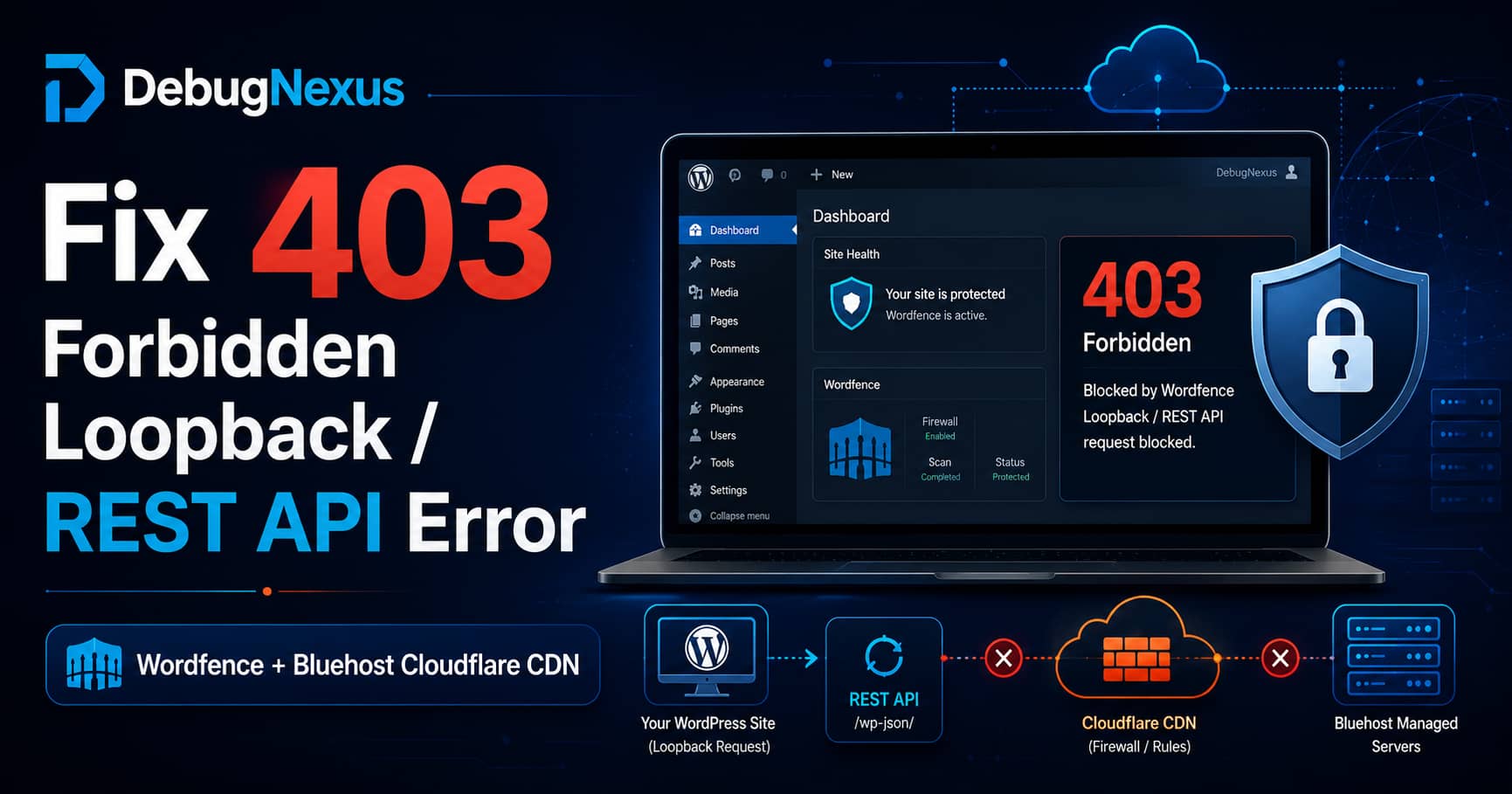
A Wordfence 403 loopback error can appear when a WordPress website hosted on Bluehost uses the Bluehost-managed Cloudflare CDN.
The website may continue working normally for visitors, but Wordfence reports the following error under Wordfence > Tools > Diagnostics:
wp_remote_post() test back to this server failed!
Response was: 403 Forbidden
You may also see a warning stating that Cloudflare appears to be preventing the website from connecting to itself.
This situation can be particularly confusing when:
- WordPress, Wordfence, and all other plugins are updated.
- Bluehost confirms that ModSecurity is not blocking the request.
- No server firewall rule appears to be responsible.
- Wordfence works when the Cloudflare CDN is disabled.
- The Cloudflare service is managed through Bluehost, so you do not have access to a separate Cloudflare dashboard.
- You need to keep both Wordfence and Cloudflare active.
The permanent solution is usually not to disable either service. Instead, the server’s legitimate loopback request must be excluded from the Cloudflare security feature that is challenging it.
What Is a WordPress Loopback Request?
A loopback request occurs when WordPress sends an HTTP request back to its own domain.
For example, a site hosted at:
https://example.commay send a server-side request to:
https://example.com/wp-admin/admin-ajax.phpWordPress uses loopback requests for several important functions, including:
- WP-Cron
- Scheduled tasks
- Site Health tests
- Plugin background processing
- REST API operations
- Wordfence scans and diagnostics
- Theme and plugin maintenance processes
WordPress provides the wp_remote_post() function for sending HTTP POST requests. Wordfence uses this system to determine whether the website can successfully connect back to itself.
A failed loopback test does not always mean the website is broken. However, it can indicate that scheduled jobs, scans, or other background processes may not work reliably.
Which Wordfence Request Is Receiving the 403 Error?
In recent Wordfence diagnostic cases involving Cloudflare, the self-connection test has sent a POST request to an endpoint similar to:
/wp-admin/admin-ajax.php?action=wordfence_testAjaxA recent Wordfence support case displayed that exact endpoint inside the Cloudflare challenge response.
The complete request is usually similar to:
https://example.com/wp-admin/admin-ajax.php?action=wordfence_testAjaxThis is not necessarily the same as a normal WordPress REST API request under:
/wp-json/However, the same Cloudflare rule can block both loopback and REST API requests. That is why WordPress Site Health may report a REST API or loopback problem at the same time.
Why Cloudflare Returns 403 Forbidden
The server sends the request to the public website domain. Because the domain is proxied through Cloudflare, the request follows this path:
Bluehost server
      ↓
Cloudflare
      ↓
Bluehost origin server
Cloudflare sees the request coming from the Bluehost server’s outbound public IP address.
A browser can complete a JavaScript or cookie-based Cloudflare challenge. A background PHP request made with wp_remote_post() cannot interact with a browser challenge page.
Cloudflare may therefore return:
HTTP/1.1 403 Forbiddeninstead of passing the request to WordPress.
Cloudflare documents that challenged responses contain this header:
cf-mitigated: challengeThe response normally has an HTML content type, even when the original request expected JSON or another response format.
Other Cloudflare indicators can include:
Server: cloudflare
CF-RAY: ...
cf-mitigated: challenge
The response body may contain:
Just a moment...
Enable JavaScript and cookies to continue
When these headers or messages are present, the 403 response is being generated by Cloudflare rather than Wordfence or the WordPress REST API.
Is This a Known Wordfence and Cloudflare Compatibility Issue?
Wordfence officially documents that some Cloudflare features, including Bot Fight Mode, can prevent a website from connecting back to itself.
Wordfence explains that this can affect:
- WordPress cron jobs
- Wordfence scans
- Loopback tests
- Other website features that rely on self-connections
Its recommended solution is to add the server’s public outbound IP address to the appropriate Cloudflare allowlists.
This is better understood as a Cloudflare challenge and allowlisting issue rather than a confirmed Bluehost-specific Wordfence bug.
The Bluehost-managed Cloudflare service makes the issue harder to resolve because Bluehost states that customers cannot customize some CDN settings directly.
Before Making Changes: Confirm Who Generated the 403
Not every 403 response comes from Cloudflare. Confirm the source before changing security settings.
Cloudflare-generated 403
Look for:
Server: cloudflare
CF-RAY
cf-mitigated: challenge
Just a moment...
This means Cloudflare is blocking or challenging the loopback request.
Wordfence-generated 403
A Wordfence block page usually contains wording such as:
A potentially unsafe operation has been detected in your requestIn that case, inspect:
Wordfence > Tools > Live TrafficLocate the blocked request and allowlist it only after confirming it is legitimate. Wordfence also supports temporarily using Learning Mode to identify false-positive firewall blocks.
Bluehost server-generated 403
A Bluehost or Apache-generated response may not include Cloudflare or Wordfence branding.
Possible causes include:
- ModSecurity
.htaccessrestrictions- Incorrect file permissions
- Server firewall rules
- Password-protected directories
- Origin-level access restrictions
Bluehost lists plugin conflicts, ModSecurity, .htaccess, permissions, and IP restrictions among the common causes of 403 errors.
Recommended Solution for Bluehost-Managed Cloudflare
Because the Cloudflare zone is managed by Bluehost, Bluehost support must usually create the necessary exception.
Step 1: Ask Bluehost for the Server’s Outbound Public IP
Do not assume the outbound IP is the same as:
- The domain’s DNS record
- The shared hosting IP displayed in the control panel
- A Cloudflare IP
- Your personal internet IP address
A hosting server can use a different public IP address for outgoing requests.
Wordfence specifically recommends asking the hosting provider for the public IP address or addresses used when the server connects back to itself.
Ask Bluehost:
What public source IP address does this hosting server use for outbound HTTPS requests to my own domain?
There may be more than one outbound IP, particularly when the hosting environment uses a cluster, proxy, or load balancer.
Step 2: Ask Bluehost to Allow the Outbound IP in Cloudflare
Bluehost should add the confirmed server IP address to the Cloudflare security allowlist used by the managed CDN.
The exception should permit the server to make requests to its own domain without receiving:
- Managed Challenges
- Browser Challenges
- Bot challenges
- Rate-limit blocks
- WAF blocks
A targeted exception based on the trusted server IP is preferable to disabling Cloudflare entirely.
Cloudflare provides IP Access rules that can allow a trusted IP address to bypass security checks. Cloudflare warns that this is a powerful exception, so only verified server addresses should be added.
Step 3: Provide Bluehost With the Exact Endpoint
Give Bluehost the failing endpoint:
/wp-admin/admin-ajax.php?action=wordfence_testAjaxAlso ask them to check whether the same rule affects:
/wp-json/The exception can be restricted by both source IP and request path when the managed configuration supports that level of control.
For example, the intended matching logic is conceptually:
Source IP equals the Bluehost server outbound IP

AND

Request path equals /wp-admin/admin-ajax.php
Bluehost should ensure that only the legitimate server request is excluded, rather than opening the endpoint to all visitors.
Message to Send to Bluehost Support
Copy and send this message:
My WordPress site is using the Bluehost-managed Cloudflare CDN. Wordfence is unable to complete its server loopback test because Cloudflare returns HTTP 403 to a server-side
wp_remote_post()request.The affected Wordfence diagnostic request is:
/wp-admin/admin-ajax.php?action=wordfence_testAjaxPlease identify the public outbound IP address or addresses used by my Bluehost server when it connects to its own domain.
Then please add those verified server IP addresses to the appropriate Cloudflare allowlist or create a scoped exception so that loopback requests from the server are not challenged by Cloudflare Bot Fight Mode, Managed Challenge, WAF, or rate-limiting rules.
I need to keep both Wordfence and the Bluehost-managed Cloudflare CDN enabled. Disabling either service is not an acceptable permanent solution.
Please also confirm which Cloudflare rule or security feature is generating the 403 response and provide the related Cloudflare Ray ID if available.
Important Cloudflare Bot Fight Mode Limitation
Cloudflare supports custom rules with a Skip action for excluding legitimate traffic from several security products.
However, Cloudflare states that the Free-plan version of Bot Fight Mode cannot be skipped using a custom Skip rule.
Therefore, when Bot Fight Mode is responsible, Bluehost may need to use an IP Access Allow rule for the verified server IP instead of a normal WAF Skip rule.
This distinction is important. Adding an endpoint exclusion to the wrong Cloudflare rule type may appear to have no effect.
Test the Failing Request From the Bluehost Server
The best test is performed from the same hosting server because the request must originate from the server’s outbound IP.
When Bluehost provides SSH or terminal access, run:
curl -i -X POST \
"https://example.com/wp-admin/admin-ajax.php?action=wordfence_testAjax"
Replace example.com with the actual domain.
Review the returned headers.
Cloudflare challenge detected
HTTP/2 403
server: cloudflare
cf-mitigated: challenge
cf-ray: ...
This confirms Cloudflare is challenging the request.
Successful connection
After the exception is applied, the response should no longer contain:
cf-mitigated: challengeIt should reach the Bluehost origin and return a normal application response instead of Cloudflare’s challenge page.
The response does not necessarily need to display a full webpage. The important result is that Cloudflare no longer returns the 403 challenge.
Test the WordPress REST API Separately
Open this URL in a private browser window:
https://example.com/wp-json/A working REST API normally returns JSON describing the available API namespaces and routes.
You can also test it from the server:
curl -i "https://example.com/wp-json/"If /wp-json/ works but the Wordfence AJAX endpoint returns 403, the issue is limited to the Wordfence loopback request or its POST method.
If both requests return a Cloudflare challenge, the Cloudflare rule is broader and may be affecting multiple WordPress background functions.
Configure Wordfence to Detect Cloudflare Visitor IPs Correctly
This setting does not directly remove the Cloudflare-generated 403, but it is important for a Wordfence installation behind Cloudflare.
Go to:
Wordfence > All Options > General Wordfence OptionsFind:
How does Wordfence get IPsWhen Bluehost confirms that the standard Cloudflare header is available, select:
Use the Cloudflare "CF-Connecting-IP" HTTP header
to get a visitor IP
Wordfence explains that Cloudflare generally sends the original visitor address in the CF-Connecting-IP header. Correct IP detection prevents Wordfence from treating all visitors as if they originate from the same proxy address.
Check the IP preview displayed by Wordfence after changing the option. It should show your real public IP, not a Cloudflare proxy address or private server address.
What Will Not Fix a Cloudflare-Generated 403
Adding the IP to Wordfence’s allowlist
This does not fix a request blocked at Cloudflare because the request never reaches Wordfence.
The source IP must be allowed at the Cloudflare layer.
Putting Wordfence into Learning Mode
Learning Mode helps when Wordfence’s own firewall produces a false positive. It cannot train or modify Bluehost’s Cloudflare rules.
Reinstalling Wordfence
Reinstalling the plugin will not change a Cloudflare challenge rule.
Resaving WordPress permalinks
This can repair some REST API rewrite problems, particularly when /wp-json/ returns 404. It will not remove a Cloudflare-generated 403 challenge.
Disabling Wordfence
The diagnostic warning disappears when Wordfence is disabled because the test is no longer performed. That does not repair the underlying loopback restriction.
Disabling the Cloudflare CDN permanently
This may confirm that Cloudflare is involved, but it removes the performance and security benefits of the CDN. Use it only as a short diagnostic test.
Disabling SSL verification
Do not use:
'sslverify' => falseA 403 response is an authorization or security-policy response, not an SSL certificate verification error. Disabling certificate validation reduces security and does not solve a Cloudflare challenge.
Advanced Fallback: Route Server Loopback Requests Directly to the Origin
Use this only when all of the following are true:
- Bluehost cannot create the Cloudflare exception.
- Bluehost provides the correct origin server IP.
- The origin accepts direct HTTPS connections for your domain.
- The origin has a valid SSL certificate for your domain.
- You have tested the configuration on staging first.
This method keeps public visitors behind Cloudflare but makes WordPress server-side requests to its own domain connect directly to the Bluehost origin.
Test the Origin First
Run:
curl --resolve example.com:443:203.0.113.10 \
-I "https://example.com/"
Replace:
example.comwith the website domain and replace:
203.0.113.10with the origin IP confirmed by Bluehost.
Do not proceed when this test produces:
- An SSL certificate error
- The wrong website
- A connection timeout
- A Bluehost access-denied response
Never use a Cloudflare proxy IP as the origin IP.
Create an MU Plugin
Create:
/wp-content/mu-plugins/Then create:
/wp-content/mu-plugins/direct-origin-loopback.phpAdd:
<?php
/**
 * Plugin Name: Direct Origin for WordPress Loopback Requests
 * Description: Routes server-side requests to this WordPress site's confirmed origin IP.
 */

defined( 'ABSPATH' ) || exit;

add_action(
	'http_api_curl',
	static function ( $handle, $parsed_args, $url ) {
		if ( ! defined( 'CURLOPT_RESOLVE' ) ) {
			return;
		}

		$request_host = wp_parse_url( $url, PHP_URL_HOST );

		$site_hosts = array_filter(
			array_unique(
				array(
					wp_parse_url( home_url( '/' ), PHP_URL_HOST ),
					wp_parse_url( site_url( '/' ), PHP_URL_HOST ),
				)
			)
		);

		if (
			! $request_host ||
			! in_array( $request_host, $site_hosts, true )
		) {
			return;
		}

		/*
		 * Replace this placeholder with the origin IP
		 * confirmed by Bluehost.
		 */
		$origin_ip = '203.0.113.10';

		if ( ! filter_var( $origin_ip, FILTER_VALIDATE_IP ) ) {
			return;
		}

		$scheme = strtolower(
			(string) wp_parse_url( $url, PHP_URL_SCHEME )
		);

		$port = 'https' === $scheme ? 443 : 80;

		curl_setopt(
			$handle,
			CURLOPT_RESOLVE,
			array(
				sprintf(
					'%s:%d:%s',
					$request_host,
					$port,
					$origin_ip
				),
			)
		);
	},
	10,
	3
);
WordPress provides the http_api_curl hook immediately before a cURL-based HTTP request is executed. The code uses that hook to override DNS resolution only for requests targeting the website’s own hostname.
This is an advanced workaround rather than the preferred solution. The Bluehost-managed Cloudflare allowlist remains the cleaner fix.
Clear the Bluehost Cloudflare Cache
After Bluehost changes the Cloudflare configuration:
- Log in to the Bluehost portal.
- Open the website.
- Go to Performance or the CDN management section.
- Clear the Cloudflare cache.
- Clear any WordPress caching plugin.
- Open Wordfence Diagnostics again.
Cloudflare security changes generally do not depend on cached page content, but clearing the cache helps eliminate unrelated stale responses during testing. Bluehost provides cache-clearing controls within its managed Cloudflare interface.
Retest Wordfence Diagnostics
Go to:
Wordfence > Tools > DiagnosticsLocate:
Connecting back to this siteThe following error should be gone:
wp_remote_post() test back to this server failed!
Response was: 403 Forbidden
Also check:
Tools > Site Health > StatusConfirm that WordPress no longer reports:
- A loopback request failure
- A REST API 403 error
- A scheduled event problem caused by failed loopback requests
Wordfence notes that not every failed diagnostic test necessarily indicates a critical problem, but the results are useful for identifying connectivity failures.
Troubleshooting When the Error Continues
Check the Cloudflare Ray ID
A Cloudflare 403 response normally includes:
CF-RAY: ...Give this value and the exact test time to Bluehost. They can use it to identify the Cloudflare rule that handled the request.
Confirm every Bluehost outbound IP was allowed
The server may use several outbound addresses. Allowlisting only one will produce intermittent results.
Confirm whether IPv4 and IPv6 tests differ
Wordfence may display separate IPv4 and IPv6 connection tests.
An IPv6 failure may be non-critical when the server does not use IPv6, but the main IPv4 self-connection test should work.
Check the endpoint and method
Cloudflare rules may distinguish between:
GETand:
POSTA browser GET request to the homepage succeeding does not prove that the Wordfence POST request is allowed.
Check for more than one security layer
The request may pass Cloudflare and then be blocked by:
- Bluehost ModSecurity
- Wordfence
.htaccess- Another security plugin
- A password-protection rule
Review the response headers again after every change to determine which layer now generates the error.
Frequently Asked Questions
Can Wordfence and Cloudflare run together?
Yes. Wordfence states that it is compatible with Cloudflare, but some Cloudflare bot-protection and challenge settings may need adjustments so the website can connect back to itself.
Should I disable Wordfence when using Cloudflare?
No. Cloudflare and Wordfence protect different parts of the request path. The correct solution is to configure the proxy and origin security layers so legitimate requests are allowed without broadly weakening protection.
Does the 403 mean the WordPress REST API is disabled?
Not necessarily. A 403 means a server or security layer understood the request but refused it. Check the headers to determine whether the response came from Cloudflare, Bluehost, Wordfence, or WordPress.
Why does the test work when Cloudflare is disabled?
Disabling Cloudflare sends the request directly to the Bluehost origin. When it works in that state, it strongly indicates that the request is being blocked or challenged while passing through the Cloudflare layer.
Can I solve it without a separate Cloudflare account?
Yes, but Bluehost must usually make the allowlist or security-rule change because Bluehost controls the managed Cloudflare zone.
Final Solution
The Wordfence 403 loopback error on a Bluehost website using the managed Cloudflare CDN usually occurs because the server’s request to its own domain is being challenged at the Cloudflare edge.
The correct resolution is:
- Confirm that the response contains Cloudflare headers.
- Identify the exact Wordfence request, commonly:
/wp-admin/admin-ajax.php?action=wordfence_testAjax- Ask Bluehost for the server’s real outbound public IP address or addresses.
- Have Bluehost allow those verified addresses in the managed Cloudflare security configuration.
- Confirm whether Bot Fight Mode, a Managed Challenge, WAF rule, or rate limit produced the 403.
- Configure Wordfence to detect visitor IPs correctly through
CF-Connecting-IP. - Clear the relevant caches and rerun the diagnostics.
- Use direct-origin loopback routing only as an advanced fallback.
This restores Wordfence’s self-connection test without disabling Wordfence or removing the Bluehost-managed Cloudflare CDN.
