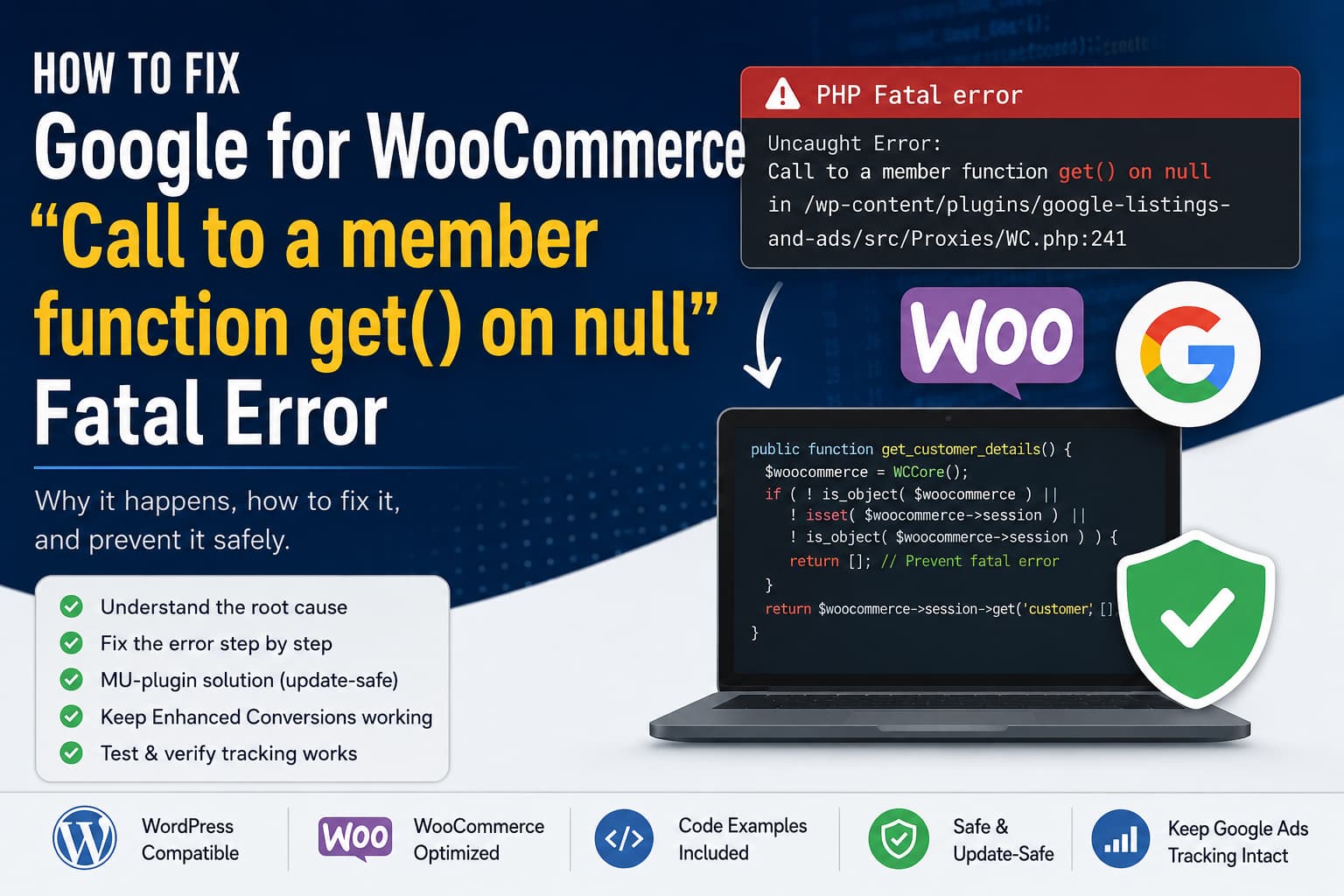
A WooCommerce website may occasionally log the following PHP fatal error:
PHP Fatal error: Uncaught Error:
Call to a member function get() on null

in /wp-content/plugins/google-listings-and-ads/src/Proxies/WC.php:241
The stack trace normally includes:
Automattic\WooCommerce\GoogleListingsAndAds\Proxies\WC->get_customer_details()

Automattic\WooCommerce\GoogleListingsAndAds\Google\GlobalSiteTag->get_enhanced_conversion_tag()

Automattic\WooCommerce\GoogleListingsAndAds\Google\GlobalSiteTag->display_global_site_tag()

wp_head()
This error is generated by the Google for WooCommerce plugin, previously called Google Listings & Ads.
The plugin attempts to read customer billing and shipping information from the WooCommerce session while generating the Google Ads Enhanced Conversions tag. On certain requests, however, WooCommerce has not created a customer session. The session property is therefore null, and PHP cannot call its get() method.
This guide explains the cause of the Google for WooCommerce get() on null error and provides an immediate workaround, a safe update-resistant fix, and a testing procedure for confirming that Google Ads tracking still works.
Quick Solution
The immediate workaround is to disable Enhanced Conversions:
WordPress Dashboard
→ Marketing
→ Google for WooCommerce
→ Settings
→ Improve Conversion Accuracy
Uncheck:
Send Enhanced Conversions data to Google AdsThe recommended technical solution is to install a small MU-plugin that disables Enhanced Conversions only when the current request has no usable WooCommerce session.
This prevents the fatal error without permanently disabling Enhanced Conversions for normal customer sessions.
What Causes the Fatal Error?
The affected function in Google for WooCommerce is effectively:
public function get_customer_details() {
	return WCCore()->session->get( 'customer', [] );
}
The current Google for WooCommerce 3.8.1 source still calls the WooCommerce session directly without first checking whether the session object exists.
The code assumes this value is an object:
WCCore()->sessionHowever, on an unusual request it can be:
nullThe unsafe execution flow is:
WordPress loads the page
        ↓
Google for WooCommerce runs inside wp_head()
        ↓
Enhanced Conversions requests customer information
        ↓
WooCommerce session has not been initialized
        ↓
WCCore()->session is null
        ↓
The plugin calls ->get() on null
        ↓
PHP terminates the request with a fatal error
The plugin registers its Google tag output on wp_head() with a very late priority of 999999.
When Enhanced Conversions is enabled, that output calls get_enhanced_conversion_tag(), which retrieves customer information from the current WooCommerce session. The plugin support team has previously identified the same condition: Enhanced Conversions tries to load customer data at a point when WooCommerce has not initialized it yet.
Is a Bot Causing the Error?
A bot, crawler, uptime checker, cache warmer, or vulnerability scanner may trigger the affected request, but the bot is not the underlying programming error.
The actual problem is that the plugin does not verify that a session object exists before calling:
WCCore()->session->get()The same problem can be triggered by:
- Search-engine crawlers
- REST API requests that render frontend content
- WordPress widget preview requests
- Cache preloading systems
- Server health checks
- Headless WordPress requests
- Requests to unusual or incomplete URLs
- Custom Elementor templates
- Requests made before WooCommerce session initialization
- Plugins that call
wp_head()outside a conventional frontend page
A previous report showed the same fatal error being triggered while WordPress rendered a legacy widget preview through the REST API.
Therefore, blocking one bot or IP address may reduce the number of errors but will not correct the unsafe session access.
Is the Error Fixed in the Latest Plugin Version?
At the time of writing on July 27, 2026, the WordPress plugin directory lists Google for WooCommerce version 3.8.1, released on July 23, 2026. Its changelog mentions an image-proxy fatal-error fix, but not this WooCommerce session error.
The tagged 3.8.1 source still contains:
return WCCore()->session->get( 'customer', [] );without a null check.
You should still update the plugin before applying a workaround because a newer version may become available after this article is published.
However, updating to 3.8.1 alone does not add the missing session validation.
Solution 1: Update WordPress, WooCommerce, and Google for WooCommerce
Before adding custom code:
- Create a complete website backup.
- Copy the production website to staging.
- Update WordPress.
- Update WooCommerce.
- Update Google for WooCommerce.
- Clear plugin, server, object, CDN, and browser caches.
- Test the URL that previously generated the error.
- Recheck the PHP and WooCommerce logs.
The current plugin can be downloaded or reviewed through the official Google for WooCommerce plugin page.
Do not copy an old complete plugin directory over a newer release. That can restore vulnerable or incompatible files.
Solution 2: Temporarily Disable Enhanced Conversions
The fastest way to confirm the cause is to disable Enhanced Conversions.
Navigate to:
WordPress Dashboard
→ Marketing
→ Google for WooCommerce
→ Settings
Find the conversion-accuracy or Enhanced Conversions section and uncheck:
Send Enhanced Conversions data to Google AdsSave the settings and clear all caches.
WooCommerce’s official Enhanced Conversions documentation confirms that this setting controls whether the plugin sends Enhanced Conversions customer data to Google Ads.
After disabling it:
- Visit the affected URL while logged out.
- Open several product and category pages.
- Test the page in an incognito window.
- Allow the website’s cache warmer to run.
- Inspect the PHP error log.
- Check
WooCommerce → Status → Logs.
If the fatal error stops, Enhanced Conversions is the confirmed trigger.
What continues working?
Disabling Enhanced Conversions does not automatically disconnect:
- Google Merchant Center
- Product-feed synchronization
- Free product listings
- Performance Max campaigns
- Basic Google Ads conversion tags
- Google Analytics configured through another integration
It only disables the additional customer-data component used by Enhanced Conversions.
Solution 3: Install an Update-Safe WooCommerce Session Guard
The recommended workaround is a small must-use plugin.
The code temporarily reports Enhanced Conversions as disabled only when the current request does not have a valid WooCommerce session.
It does not modify the saved setting in the database.
Step 1: Create the MU-plugins folder
Using SFTP, SSH, your hosting file manager, or a deployment system, open:
/wp-content/Create this directory if it does not already exist:
/wp-content/mu-plugins/Step 2: Create the guard file
Inside the folder, create:
debugnexus-gla-session-guard.phpThe complete path should be:
/wp-content/mu-plugins/debugnexus-gla-session-guard.phpStep 3: Add the following code
<?php
/**
 * Plugin Name: DebugNexus - Google for WooCommerce Session Guard
 * Description: Prevents Enhanced Conversions from reading a missing WooCommerce session on non-standard requests.
 * Version: 1.0.0
 * Author: DebugNexus
 */

defined( 'ABSPATH' ) || exit;

/**
 * Disable Google for WooCommerce Enhanced Conversions only when the current
 * request does not have a usable WooCommerce session.
 *
 * Returning 0 short-circuits get_option() for this request without changing
 * the saved setting in the WordPress database.
 */
function debugnexus_gla_guard_missing_wc_session( $pre_value, $option, $default_value ) {
	// Keep the Google for WooCommerce settings screen unchanged.
	if ( is_admin() && ! wp_doing_ajax() ) {
		return $pre_value;
	}

	if ( ! function_exists( 'WC' ) ) {
		return $pre_value;
	}

	$woocommerce = WC();

	if (
		! is_object( $woocommerce ) ||
		! isset( $woocommerce->session ) ||
		! is_object( $woocommerce->session ) ||
		! is_callable( array( $woocommerce->session, 'get' ) )
	) {
		return 0;
	}

	return $pre_value;
}

add_filter(
	'pre_option_gla_enhanced_conversions_enabled',
	'debugnexus_gla_guard_missing_wc_session',
	1,
	3
);
Save the file.
Must-use plugins are loaded automatically, so you do not need to activate the file from the normal Plugins page.
You can confirm that WordPress loaded it from:
WordPress Dashboard
→ Plugins
→ Must-Use Plugins
How the Session Guard Works
Google for WooCommerce uses the internal setting key:
enhanced_conversions_enabledThe plugin prefixes its options with:
gla_Therefore, the complete WordPress option is:
gla_enhanced_conversions_enabledThe option key and the plugin’s gla prefix can be confirmed in its source code.
The workaround filters:
pre_option_gla_enhanced_conversions_enabledWordPress provides the dynamic pre_option_{$option} filter specifically for temporarily overriding an option during the current request without changing its stored database value.
When WooCommerce has a session, the code returns the original filter value and Google for WooCommerce continues normally.
When the session is missing, the code returns:
0This tells Google for WooCommerce that Enhanced Conversions is disabled for that request.
Returning 0 rather than false is intentional. WordPress only short-circuits the option lookup when the filter returns a value other than boolean false.
The stored Enhanced Conversions setting remains enabled for normal customer requests.
Why Use an MU-plugin Instead of functions.php?
Adding the fix to a child theme’s functions.php file is less reliable.
A theme may not load normally during:
- Certain REST API requests
- WordPress recovery operations
- Command-line requests
- Custom rendering contexts
- Theme changes
- Requests that fail before theme initialization
An MU-plugin is independent of the active theme and loads before normal plugins.
It is also not overwritten when:
- The theme is updated
- Google for WooCommerce is updated
- WooCommerce is updated
- The active theme is replaced
Solution 4: Patch the Plugin File Directly
A direct plugin edit can be used to confirm the required upstream fix, but it should not be treated as the preferred permanent solution.
Open:
/wp-content/plugins/google-listings-and-ads/src/Proxies/WC.phpFind:
public function get_customer_details() {
	return WCCore()->session->get( 'customer', [] );
}
Replace it with:
public function get_customer_details() {
	$woocommerce = WCCore();

	if (
		! is_object( $woocommerce ) ||
		! isset( $woocommerce->session ) ||
		! is_object( $woocommerce->session ) ||
		! is_callable( array( $woocommerce->session, 'get' ) )
	) {
		return [];
	}

	return $woocommerce->session->get( 'customer', [] );
}
This is the defensive validation that the plugin itself should perform.
When no session exists, the function returns an empty customer array instead of attempting to call a method on null.
Important warning
A Google for WooCommerce update will overwrite this change.
Use the direct edit only when:
- You have a complete backup
- You are testing on staging
- You document the modification
- The MU-plugin workaround cannot be used
- You plan to remove the edit after an official fix
Do not replace the entire WC.php file with a copy from an older version.
Why Not Force WooCommerce to Create a Session?
Another possible workaround is to manually initialize a WooCommerce customer session before wp_head() runs.
That is generally less desirable.
Creating sessions for crawlers, health checks, cache warmers, and REST API requests can:
- Create unnecessary WooCommerce session records
- Send cookies to bots
- Reduce full-page cache efficiency
- Increase database activity
- Fill the WooCommerce sessions table
- Change how anonymous requests are cached
- Create unexpected side effects in checkout or cart integrations
The affected request does not need customer data. Returning an empty result or skipping Enhanced Conversions for that request is safer than forcing every visitor or bot to receive a shopping session.
Clear All Cache Layers
After installing the guard or modifying the plugin, clear:
- WordPress cache plugin
- Server page cache
- Redis or Memcached object cache
- Varnish cache
- CDN cache
- PHP OPcache
- Browser cache
Managed hosting panels may provide options such as:
Purge Cache
Restart PHP
Clear OPcache
Purge Varnish
Flush Redis
A cached PHP response will not normally retain the old PHP method itself, but an outdated full-page response, object cache, or long-running PHP worker can make testing inconsistent.
How to Test the Fix
Test the affected URL
Open the URL mentioned in the error log while logged out.
Test it:
- In an incognito browser
- On a mobile connection
- With all browser cookies removed
- Through the CDN URL
- Several times consecutively
You can also test it from a terminal:
for i in {1..10}; do
	curl -sS -o /dev/null \
		-w "%{http_code}\n" \
		https://example.com/wp/
done
Each request should return a normal response such as:
200or an expected redirect:
301
302
It should not return:
500Test without a customer cookie
The session guard is specifically designed for requests where WooCommerce has not initialized a customer session.
Test in a new private browser window before adding anything to the cart.
Test a normal WooCommerce session
Next:
- Open a product.
- Add it to the cart.
- Visit the cart.
- Continue to checkout.
- Enter billing information.
- Complete a test order.
- Open the thank-you page.
Confirm that the cart, checkout, payment gateway, and order confirmation work normally.
Check Google Ads tracking
Use Google Tag Assistant or your browser developer tools to confirm that the normal Google tag still loads on standard frontend pages.
Also check the page source for your Google Ads conversion ID:
AW-XXXXXXXXXThe session guard does not remove the general Google tag. It disables the Enhanced Conversions option only on requests where the WooCommerce session object is unavailable.
Check the Error Logs
WooCommerce logs are normally available from:
WooCommerce
→ Status
→ Logs
Also check:
/wp-content/debug.logand the hosting server’s:
- PHP error log
- Apache error log
- Nginx error log
- PHP-FPM log
Search for:
google-listings-and-ads
Proxies/WC.php
get_customer_details
get_enhanced_conversion_tag
Call to a member function get() on null
Review the timestamp and request URL to ensure that you are not seeing an older cached log entry.
Enable WordPress Debug Logging Temporarily
When necessary, add the following above the “stop editing” line in wp-config.php:
define( 'WP_DEBUG', true );
define( 'WP_DEBUG_LOG', true );
define( 'WP_DEBUG_DISPLAY', false );

@ini_set( 'display_errors', 0 );
Reproduce the request and inspect:
/wp-content/debug.logDo not display PHP errors publicly on a production website.
After testing, disable debugging or return it to the website’s previous configuration.
What If the Error Continues?
If the exact error continues after installing the session guard, check the following.
Confirm the MU-plugin is loaded
Navigate to:
Plugins
→ Must-Use Plugins
Confirm that you see:
DebugNexus - Google for WooCommerce Session GuardConfirm the filename extension
The file must end in:
.phpNot:
.php.txtConfirm the file location
Correct:
/wp-content/mu-plugins/debugnexus-gla-session-guard.phpIncorrect:
/wp-content/plugins/mu-plugins/Clear PHP OPcache
Restart PHP through the hosting dashboard or contact the hosting provider.
Check whether the line number changed
A new Google for WooCommerce release may move the affected function to a different line.
Search the complete error for:
get_customer_details()rather than relying only on line 241.
Check for a different get() error
Many WordPress plugins have objects with a get() method.
Confirm that the error file is:
google-listings-and-ads/src/Proxies/WC.phpAn error from Redis, Elementor, another WooCommerce extension, or WordPress core requires a different solution.
For another example of a WooCommerce extension calling a method on an invalid value, see How to Fix PHP 8.4 method_exists() Fatal Error in WooCommerce Cart AJAX.
What Not to Do
Do not suppress the fatal error with:
@Error suppression hides the symptom without correcting the invalid object access.
Do not edit:
/wp-includes/The error is inside Google for WooCommerce, not WordPress core.
Do not permanently downgrade WordPress, WooCommerce, or PHP solely to hide the error.
Do not create WooCommerce sessions for every bot request unless you have evaluated the caching and database consequences.
Do not leave a direct plugin-file modification undocumented because it will disappear during the next update.
Suggested Bug Report for the Plugin Developer
The following report can be sent to the Google for WooCommerce developers:
Google for WooCommerce Enhanced Conversions calls
WCCore()->session->get( 'customer', [] )insideProxies\WC::get_customer_details()without confirming thatWCCore()->sessionis an object. On requests wherewp_head()runs without an initialized WooCommerce customer session, this causesCall to a member function get() on null. Please return an empty array when the session is unavailable or prevent the Enhanced Conversions tag from requesting customer data in that context.
Include:
- WordPress version
- WooCommerce version
- Google for WooCommerce version
- PHP version
- Active theme
- Full stack trace
- Request URL
- Whether the visitor was logged in
- Whether the request came through REST API
- Whether Enhanced Conversions was enabled
- Whether disabling Enhanced Conversions stopped the error
- Whether the MU-plugin guard prevented it
The source can be reviewed in the official Google for WooCommerce GitHub repository.
Frequently Asked Questions
Will the session guard disable Google Merchant Center syncing?
No. The code targets only the Enhanced Conversions option during requests where WooCommerce has no valid session.
Product synchronization and Merchant Center connections use separate processes.
Will the session guard disable all Google Ads tracking?
No. It does not remove the Google Ads conversion ID or the main Google tag.
It prevents Enhanced Conversions customer data from being generated during a request that cannot safely provide customer data.
Does the code permanently change the Enhanced Conversions setting?
No.
The WordPress pre_option filter changes the retrieved value for the current request only. It does not update the stored option in the database.
Can I add the code through Code Snippets?
It may work, but an MU-plugin is preferable because it loads independently of the theme and before normal plugins.
A snippet plugin may also deactivate snippets automatically after certain PHP errors.
Is Elementor causing the error?
Elementor may appear in the stack trace because its header or page template calls:
get_header()which eventually calls:
wp_head()The fatal method call is still inside Google for WooCommerce.
Elementor is part of the request path, not necessarily the defective component.
Is the bot malicious?
The stack trace alone cannot prove that the request was malicious.
A normal crawler, cache warmer, REST request, or monitoring service can trigger the same execution path.
The code should safely handle a missing session regardless of who makes the request.
Final Solution
The Google for WooCommerce get() on null error occurs because Enhanced Conversions assumes that a WooCommerce customer session always exists.
The unsafe code is:
WCCore()->session->get( 'customer', [] );When WCCore()->session is null, PHP terminates the request.
The immediate workaround is to disable:
Send Enhanced Conversions data to Google AdsThe recommended update-safe solution is the MU-plugin session guard. It reports Enhanced Conversions as disabled only when the current request lacks a usable WooCommerce session.
Normal WooCommerce customer sessions continue using the stored setting, while bots, REST previews, cache warmers, and other non-standard requests no longer trigger the fatal error.
A permanent upstream fix should add a defensive null check directly inside:
get_customer_details()and return an empty customer array whenever the WooCommerce session is unavailable.
