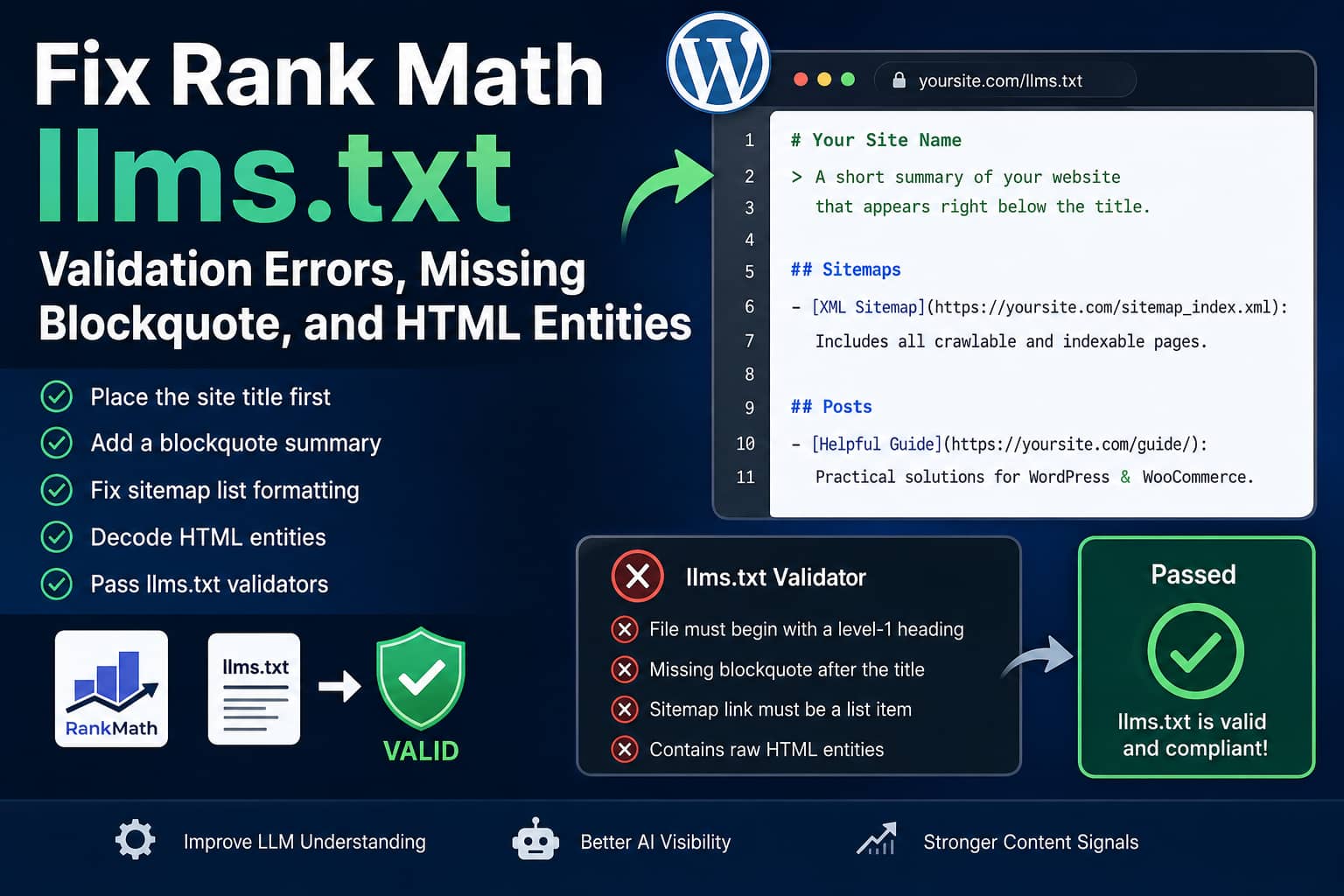
Rank Math can automatically generate an llms.txt file for WordPress websites. However, some site owners have found that the generated file produces warnings or errors when tested with strict tools such as llms.txt Checker and the llms-txt.io Validator.
Common problems include:
- A generated Rank Math sentence appearing before the main H1 title
- The website title and description being combined into one H1
- No blockquote summary directly below the title
- The XML sitemap link not being formatted as a Markdown list item
- Apostrophes, quotation marks, and ampersands appearing as raw HTML entities
- Additional Content appearing at the bottom instead of serving as the website summary
The file may still open successfully at:
https://example.com/llms.txtHowever, successfully loading the file does not guarantee that its Markdown structure follows the proposed llms.txt format.
This guide explains the cause and provides a complete WordPress solution that:
- Places the site title on the first line
- Adds a dedicated summary field inside Rank Math
- Displays the summary as a Markdown blockquote
- Preserves Rank Math’s existing Additional Content field
- Corrects the XML sitemap list formatting
- Converts escaped HTML entities into readable characters
- Continues working after normal Rank Math plugin updates
What Is the Recommended llms.txt Structure?
The llms.txt proposal uses Markdown instead of XML.
The recommended order is:
- An H1 containing the project or website name
- A blockquote containing a short summary
- Optional explanatory paragraphs or notes
- H2 sections containing Markdown lists of relevant links
The H1 is the only strictly required part of the proposal. However, the summary blockquote is part of the recommended structure and is expected by many validation tools. Links inside H2 file-list sections should be formatted as Markdown list items.
A correctly structured file begins like this:
# Example Website

> Example Website publishes practical WordPress troubleshooting guides, plugin fixes, server solutions, and technical SEO tutorials.

## Sitemaps

- [XML Sitemap](https://example.com/sitemap_index.xml): Includes all crawlable and indexable pages.

## Posts

- [Example Article](https://example.com/example-article/): A short description of the article.
What Rank Math Currently Generates
A default Rank Math file may begin like this:
Generated by Rank Math SEO, this is an llms.txt file designed to help LLMs better understand and index this website.

# Example Website: A website about WordPress troubleshooting

## Sitemaps

[XML Sitemap](https://example.com/sitemap_index.xml): Includes all crawlable and indexable pages.
There are several structural differences.
1. Text appears before the H1
The proposed format expects the website H1 at the beginning of the file, apart from an optional byte-order mark.
Rank Math currently prints its generated explanatory sentence before the H1. Its source then prints the site title afterward.
Some validators therefore report that the file does not begin with a valid H1.
2. The site description is added to the H1
Rank Math retrieves the knowledge graph name and organization description, joins them with a colon, and prints the combined value as the H1.
This can produce:
# Example Website: A website about WordPress troubleshootingThe more structured version is:
# Example Website

> A website about WordPress troubleshooting.
The website name and summary then have clearly separated purposes.
3. There is no dedicated blockquote field
Rank Math provides an Additional Content field under:
Rank Math SEO > General Settings > Edit llms.txtRank Math’s documentation states that this field can contain custom text or manually selected links. However, it is appended after the generated post and taxonomy sections rather than inserted directly below the title.
This means it cannot reliably serve as the introductory blockquote while also retaining its intended use for supplementary content.
4. The XML sitemap link is not a list item
The proposed format describes H2 file-list sections as Markdown lists.
Rank Math currently generates:
## Sitemaps

[XML Sitemap](https://example.com/sitemap_index.xml): Includes all crawlable and indexable pages.
The list-compatible form is:
## Sitemaps

- [XML Sitemap](https://example.com/sitemap_index.xml): Includes all crawlable and indexable pages.
Rank Math’s source confirms that the sitemap link is printed without the leading dash used by its post and taxonomy links.
5. Descriptions may contain raw HTML entities
An article description may appear as:
John's guide to WordPress & WooCommerceInstead of:
John's guide to WordPress & WooCommerceRank Math escapes the article title and description before passing them to its output function. The output function then escapes the complete line again. This repeated escaping can leave encoded entities in the final plain-text response.
Although these entities may not always violate the proposal, they reduce readability and may produce warnings in stricter Markdown parsers.
Before Applying the Fix
Create a complete website backup before adding custom PHP.
The backup should include:
- WordPress files
- The WordPress database
- Active theme and child theme files
- Existing custom snippets
- Rank Math settings
Test the code on staging first when possible.
Do not edit files inside:
/wp-content/plugins/seo-by-rank-math/A direct Rank Math plugin edit will be overwritten during the next update.
The safest implementation is a small must-use plugin.
Complete Rank Math llms.txt Compliance Fix
This solution adds a new field named LLMS Summary (Blockquote) to Rank Math’s existing llms.txt settings.
It then captures the generated file and corrects its Markdown before it is sent to the browser.
Step 1: Create the Must-Use Plugins Folder
Using FTP, SSH, cPanel File Manager, or your hosting file manager, open:
/wp-content/Create this folder if it does not already exist:
mu-pluginsThe complete path should be:
/wp-content/mu-plugins/Step 2: Create the Fix File
Inside the mu-plugins folder, create:
debugnexus-rank-math-llms-fix.phpAdd the following code:
<?php
/**
 * Plugin Name: DebugNexus Rank Math llms.txt Compliance Fix
 * Description: Adds a dedicated llms.txt summary field and corrects Rank Math's generated Markdown structure.
 * Version: 1.0.0
 */

defined( 'ABSPATH' ) || exit;

/**
 * Add a dedicated summary field to:
 * Rank Math > General Settings > Edit llms.txt.
 */
add_action(
	'rank_math/admin/settings/llms',
	function ( $cmb ) {
		if ( ! is_object( $cmb ) || ! method_exists( $cmb, 'add_field' ) ) {
			return;
		}

		$cmb->add_field(
			[
				'id'         => 'debugnexus_llms_summary',
				'name'       => esc_html__(
					'LLMS Summary (Blockquote)',
					'debugnexus'
				),
				'desc'       => esc_html__(
					'Write a short summary of the website. It will appear directly below the H1 title as the llms.txt blockquote.',
					'debugnexus'
				),
				'type'       => 'textarea',
				'attributes' => [
					'rows'        => 4,
					'placeholder' => 'A concise description of this website and its most important content.',
				],
			]
		);
	},
	20
);

/**
 * Decode entities repeatedly because Rank Math may escape
 * some title and description values more than once.
 *
 * @param string $text Text to decode.
 * @return string
 */
function debugnexus_llms_decode_entities( $text ) {
	$text = (string) $text;

	for ( $i = 0; $i < 3; $i++ ) {
		$decoded = html_entity_decode(
			$text,
			ENT_QUOTES | ENT_HTML5,
			'UTF-8'
		);

		if ( $decoded === $text ) {
			break;
		}

		$text = $decoded;
	}

	return $text;
}

/**
 * Start buffering Rank Math's generated llms.txt before
 * it prints any content.
 */
add_action(
	'rank_math/llms_txt/before_output',
	function () {
		$GLOBALS['debugnexus_llms_buffer_level'] = ob_get_level();
		ob_start();
	},
	PHP_INT_MIN
);

/**
 * Rebuild the beginning of llms.txt in the recommended
 * order and clean the generated body.
 */
add_action(
	'rank_math/llms_txt/after_output',
	function () {
		$starting_level = isset(
			$GLOBALS['debugnexus_llms_buffer_level']
		)
			? (int) $GLOBALS['debugnexus_llms_buffer_level']
			: -1;

		if ( ob_get_level() <= $starting_level ) {
			return;
		}

		$output = ob_get_clean();

		if ( ! is_string( $output ) ) {
			return;
		}

		// Remove an optional UTF-8 byte-order mark.
		$output = preg_replace(
			'/^\xEF\xBB\xBF/u',
			'',
			$output
		);

		// Convert escaped apostrophes, quotation marks,
		// ampersands and other HTML entities.
		$output = debugnexus_llms_decode_entities( $output );

		/*
		 * Remove everything through Rank Math's current H1.
		 *
		 * This removes:
		 * 1. The generated Rank Math sentence
		 * 2. The combined title and description H1
		 */
		if (
			preg_match(
				'/^#\s+[^\r\n]*(?:\r\n|\r|\n)?/m',
				$output,
				$match,
				PREG_OFFSET_CAPTURE
			)
		) {
			$matched_h1 = $match[0][0];
			$h1_offset  = $match[0][1];

			$output = substr(
				$output,
				$h1_offset + strlen( $matched_h1 )
			);
		}

		$output = ltrim( $output, "\r\n" );

		/*
		 * Convert the XML sitemap link into a proper
		 * Markdown list item.
		 */
		$output = preg_replace_callback(
			'/(^##\s+Sitemaps[^\r\n]*(?:\r\n|\r|\n)+)([ \t]*\[XML Sitemap\]\([^\r\n]+\)[^\r\n]*)/mi',
			static function ( $matches ) {
				return $matches[1] . '- ' . ltrim( $matches[2] );
			},
			$output,
			1
		);

		$site_title = get_bloginfo( 'name' );
		$summary    = '';

		if ( class_exists( '\RankMath\Helper' ) ) {
			$site_title = \RankMath\Helper::get_settings(
				'titles.knowledgegraph_name',
				$site_title
			);

			$summary = \RankMath\Helper::get_settings(
				'general.debugnexus_llms_summary',
				''
			);

			/*
			 * Fall back to the Rank Math organization
			 * description or WordPress tagline when the
			 * custom summary field is empty.
			 */
			if ( '' === trim( (string) $summary ) ) {
				$summary = \RankMath\Helper::get_settings(
					'titles.organization_description',
					get_bloginfo( 'description' )
				);
			}
		}

		$site_title = debugnexus_llms_decode_entities(
			wp_strip_all_tags( (string) $site_title )
		);

		$site_title = trim(
			preg_replace( '/\s+/u', ' ', $site_title )
		);

		$summary = debugnexus_llms_decode_entities(
			wp_strip_all_tags( (string) $summary )
		);

		$summary = trim( $summary );

		if ( '' === $site_title ) {
			$site_title = 'Website';
		}

		if ( '' === $summary ) {
			$summary = sprintf(
				'Official website for %s.',
				$site_title
			);
		}

		/*
		 * Prefix each non-empty summary line with the
		 * Markdown blockquote character.
		 */
		$summary_lines = preg_split( '/\R/u', $summary );
		$quote_lines   = [];

		foreach ( $summary_lines as $line ) {
			$line = trim(
				preg_replace( '/[ \t]+/u', ' ', $line )
			);

			if ( '' !== $line ) {
				$quote_lines[] = '> ' . $line;
			}
		}

		$header = '# ' . $site_title
			. "\n\n"
			. implode( "\n", $quote_lines );

		$final = $header
			. "\n\n"
			. ltrim( $output );

		echo rtrim( $final ) . "\n";
	},
	PHP_INT_MAX
);
Save the file.
Must-use plugins are loaded automatically by WordPress. You do not need to activate the file from the normal Plugins screen.
You can confirm that WordPress recognizes it by visiting:
WordPress Dashboard > Plugins > Must-Use PluginsStep 3: Add the llms.txt Summary
Open:
Rank Math SEO > General Settings > Edit llms.txtA new field should appear below Rank Math’s standard settings:
LLMS Summary (Blockquote)Enter a concise description of the website.
For example:
DebugNexus publishes practical WordPress troubleshooting guides, plugin fixes, WooCommerce solutions, server administration tutorials, and technical SEO resources.Keep this summary short and factual. One or two sentences are normally enough.
You can continue using Rank Math’s original Additional Content field for:
- Important custom links
- Editorial notes
- Documentation references
- Instructions for interpreting the listed resources
- Pages that are not included automatically
The custom fix does not remove or repurpose the Additional Content field.
Save the settings.
Step 4: Clear Every Cache Layer
The old virtual file may remain cached after adding the code.
Clear:
- WordPress page cache
- Hosting cache
- Varnish cache
- Redis or Memcached object cache
- Cloudflare or another CDN
- Browser cache
When your cache plugin supports URL-specific purging, purge:
/llms.txtThen open the file in a private browser window.
Expected Result
The beginning of the corrected file should resemble:
# DebugNexus

> DebugNexus publishes practical WordPress troubleshooting guides, plugin fixes, WooCommerce solutions, server administration tutorials, and technical SEO resources.

## Sitemaps

- [XML Sitemap](https://debugnexus.com/sitemap_index.xml): Includes all crawlable and indexable pages.

## Posts

- [Example WordPress Guide](https://debugnexus.com/example-guide/): A readable article description containing normal apostrophes, quotation marks and ampersands.
Confirm the following:
- The first visible line begins with one
# - The H1 contains only the website name
- The next content block begins with
> - The sitemap link begins with
- - Article links also begin with
- - Apostrophes are displayed as apostrophes
- Ampersands are displayed as
& - No Rank Math promotional sentence appears before the title
- Additional Content still appears later in the file
Using the Code Snippets Plugin Instead
The solution can also run through a PHP snippet plugin.
When using Code Snippets:
- Create a new PHP snippet.
- Remove the opening
<?phpline. - Remove the plugin header comment if desired.
- Paste the remaining code.
- Set the snippet to run everywhere.
- Activate it.
- Clear all caches.
- Re-save the Rank Math
llms.txtsettings.
A must-use plugin is generally preferable because it is independent of the active theme and is less likely to be accidentally disabled.
The New Summary Field Does Not Appear
First confirm that the Rank Math LLMS Txt module is enabled.
Open:
Rank Math SEO > DashboardEnable:
LLMS TxtAlso make sure Rank Math is operating in Advanced Mode. Rank Math documents the module and its settings under General Settings after the feature has been enabled.
Next, check:
WordPress Dashboard > Plugins > Must-Use PluginsConfirm that the custom fix is listed.
If it is missing, verify the exact path:
/wp-content/mu-plugins/debugnexus-rank-math-llms-fix.phpThe PHP file must be placed directly inside mu-plugins. Do not place it inside an additional nested folder unless that folder is loaded by a separate bootstrap file.
The Old Output Is Still Showing
The most likely cause is caching.
Test the endpoint with a temporary query string:
https://example.com/llms.txt?test=1The query string should not be treated as the permanent URL. It is only useful for determining whether a cached response is being served.
Also inspect the HTTP response headers using the browser Network panel or a command-line request.
Look for cache indicators such as:
CF-Cache-Status
X-Cache
X-Proxy-Cache
X-Varnish
Age
Purge the cache from the service identified by the response headers.
The llms.txt URL Returns a 404 Error
Open:
WordPress Dashboard > Settings > PermalinksClick Save Changes without changing the permalink structure.
This refreshes WordPress rewrite rules.
Then confirm that:
- The Rank Math LLMS Txt module is enabled
- No physical
llms.txtfile is conflicting with Rank Math - A security plugin is not blocking
.txtrequests - Cloudflare or the hosting firewall permits
/llms.txt - The site URL and WordPress URL use the correct domain and protocol
Rank Math serves llms.txt as a virtual WordPress endpoint rather than requiring a physical file. Its source registers a rewrite rule for that endpoint and sends it as UTF-8 plain text.
A Physical llms.txt File Already Exists
Do not keep two separate systems attempting to serve the same path.
Choose one implementation:
- Rank Math’s virtual endpoint with the custom compatibility fix
- A manually maintained physical file
- A dedicated
llms.txtplugin
When using the Rank Math solution, rename or remove the physical file after creating a backup.
When using a manually maintained file, disable Rank Math’s LLMS Txt module to prevent endpoint conflicts.
Should You Permanently Keep This Fix?
Treat this as a compatibility solution for the current Rank Math output.
Continue updating Rank Math normally. Do not remain on an old version solely to preserve the workaround.
After each major Rank Math update:
- Review the plugin changelog.
- Open
/llms.txt. - Check whether the H1 is already first.
- Check whether Rank Math has added its own blockquote field.
- Check whether article descriptions still contain entities.
- Run the file through your preferred validators.
When Rank Math officially corrects all of these items, deactivate the custom fix and test the native output.
Do not leave both the workaround and a corrected native implementation active, because the output could be altered twice.
Does llms.txt Directly Improve Google Rankings?
An llms.txt file should not be treated as a guaranteed Google ranking factor.
Rank Math itself describes llms.txt as a proposal rather than an official standard and notes that adoption remains limited.
The file is better understood as a curated Markdown guide for AI tools that choose to read it. It can help communicate:
- What the website is about
- Which content is most important
- How major resources are organized
- Where authoritative pages can be found
It does not replace:
- XML sitemaps
- Robots.txt
- Internal linking
- Structured data
- Crawlable HTML content
- Accurate titles and descriptions
- Helpful original content
- Normal technical SEO
Continue maintaining the website for visitors and search engines even after creating a valid llms.txt file.
Frequently Asked Questions
Why does Rank Math’s llms.txt fail some validators?
Some validators expect the file to begin with an H1, followed by a summary blockquote. Rank Math currently prints a generated sentence before the H1 and combines the website description with the title. It also outputs the sitemap link without a Markdown list marker.
Is the blockquote mandatory?
The H1 is the only strictly required section in the proposed format. However, the recommended structure places a short summary blockquote directly after it, and some validation tools treat its absence as a warning or conformity issue.
Why do apostrophes appear as '?
The generated title or description has been HTML-escaped. Rank Math’s current output process can escape some values again when printing the final line, leaving the encoded entity visible in the plain-text file.
Can I put the blockquote inside Additional Content?
You can manually enter Markdown there, but Rank Math normally appends Additional Content near the end of the file. It will not automatically appear directly below the H1. The custom field in this guide keeps the summary and additional material separate.
Will editing the Rank Math plugin fix it?
It may work temporarily, but the change will be overwritten during an update. Use a child-theme snippet, Code Snippets, or preferably a must-use plugin instead.
Does the code remove my posts or taxonomies?
No. It keeps Rank Math’s generated post, page, taxonomy, and Additional Content sections. It only rebuilds the introductory header, corrects the sitemap list marker, and decodes escaped entities.
Is the solution safe with Rank Math updates?
The code does not modify Rank Math files, so normal updates will not overwrite it. However, the relevant hooks or native output may change in a future release. Test /llms.txt after updating Rank Math.
Final Recommendation
A valid llms.txt file should be easy for both humans and automated tools to read.
For Rank Math websites, check more than whether the URL returns HTTP 200. Review the actual Markdown structure and confirm that:
# The site title is first

> A concise summary follows it

## Links are grouped into sections

- Every resource is formatted as a list item
The custom must-use plugin in this guide corrects the current formatting without editing Rank Math itself. It also introduces the dedicated summary field that is missing from the default settings and converts encoded descriptions back into readable text.
After installing the fix, clear all cache layers, re-save the Rank Math settings, inspect the live output, and test it with more than one validator.
