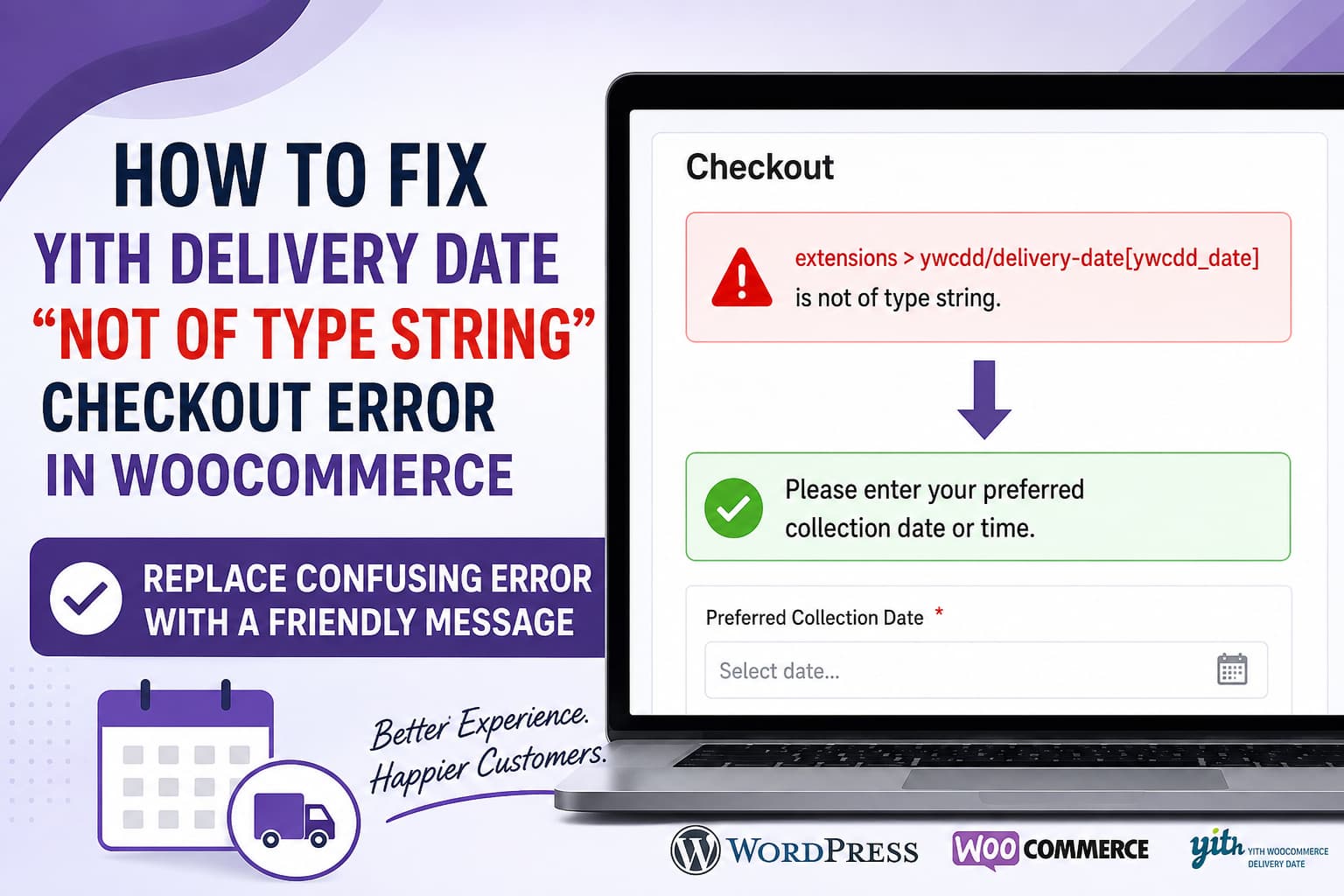
A WooCommerce customer may encounter a confusing technical error when attempting to place an order without selecting a required delivery or collection date:
extensions > ywcdd/delivery-date[ywcdd_date] is not of type string.This message is not helpful to customers. Instead of explaining what information is missing, it exposes an internal field name belonging to YITH WooCommerce Delivery Date.
A much clearer checkout message would be:
Please enter your preferred collection date or time.In this guide, you will learn why this error appears, how to replace it with a customer-friendly message, and how to identify whether the underlying problem is caused by the YITH plugin, WooCommerce Block Checkout, or a compatibility conflict.
What Causes This Checkout Error?
The error normally appears when all of the following conditions are present:
- The store uses the WooCommerce Checkout block.
- YITH WooCommerce Delivery Date adds a required date field.
- The customer leaves the field empty.
- The plugin sends an empty, null, or otherwise invalid value to the WooCommerce Store API.
- The Store API expects the
ywcdd_datevalue to be a string.
The internal field path shown in the message is:
ywcdd/delivery-date[ywcdd_date]The ywcdd prefix belongs to YITH WooCommerce Delivery Date.
WooCommerce Block Checkout processes additional fields through its Store API. Additional checkout fields must send values matching the data type registered by the extension. When the submitted value does not match the registered schema, REST API validation can reject the request before the plugin’s normal required-field validation message is displayed.
That is why customers see a developer-focused “not of type string” error instead of a normal message such as “Please select a delivery date.”
Before Applying Custom Code
Create a staging copy or full backup before changing checkout behavior.
You should also update the following components to mutually compatible versions:
- WordPress
- WooCommerce
- YITH WooCommerce Delivery Date
- Your active theme
- Payment gateway plugins
After updating, clear:
- WooCommerce customer sessions
- WordPress page cache
- Server cache
- CDN cache
- Browser cache
- JavaScript optimization cache
Test the checkout again in a private browser window.
Do not assume that updating will automatically solve the problem. The error can also be caused by a plugin compatibility bug or incorrect handling of an empty field value.
Solution 1: Replace the Technical Error With a Friendly Message
The safest customer-facing workaround is to modify only the REST API response containing the specific YITH validation error.
The following code:
- Runs only on the WooCommerce Checkout Store API endpoint.
- Looks specifically for the YITH Delivery Date field.
- Does not affect unrelated REST API responses.
- Does not allow an incomplete order to proceed.
- Replaces the technical message with a clear instruction.
Add the code using the Code Snippets plugin or your child theme’s functions.php file.
/**
 * Replace the technical YITH Delivery Date Store API error
 * with a customer-friendly checkout message.
 */
add_filter(
	'rest_pre_echo_response',
	'debugnexus_ywcdd_friendly_checkout_error',
	10,
	3
);

function debugnexus_ywcdd_friendly_checkout_error(
	$result,
	$server,
	$request
) {
	if ( ! ( $request instanceof WP_REST_Request ) ) {
		return $result;
	}

	/*
	 * Limit the modification to the WooCommerce Checkout endpoint.
	 */
	$route = untrailingslashit( $request->get_route() );

	if ( '/wc/store/v1/checkout' !== $route ) {
		return $result;
	}

	if ( ! is_array( $result ) ) {
		return $result;
	}

	/*
	 * Confirm that this response contains the specific
	 * YITH Delivery Date validation error.
	 */
	$encoded_result = wp_json_encode( $result );

	if ( ! is_string( $encoded_result ) ) {
		return $result;
	}

	if (
		false === strpos(
			$encoded_result,
			'ywcdd/delivery-date'
		)
		||
		false === strpos(
			$encoded_result,
			'ywcdd_date'
		)
	) {
		return $result;
	}

	$friendly_message = __(
		'Please enter your preferred collection date or time.',
		'debugnexus'
	);

	/*
	 * Replace technical references anywhere inside
	 * the REST response.
	 */
	array_walk_recursive(
		$result,
		static function ( &$value, $key ) use ( $friendly_message ) {
			if ( ! is_string( $value ) ) {
				return;
			}

			if (
				false !== strpos(
					$value,
					'ywcdd/delivery-date'
				)
				||
				false !== strpos(
					$value,
					'ywcdd_date'
				)
			) {
				$value = $friendly_message;
			}
		}
	);

	/*
	 * Replace the general invalid-parameter message
	 * when this is the matching YITH error.
	 */
	if (
		isset( $result['code'] )
		&&
		'rest_invalid_param' === $result['code']
	) {
		$result['message'] = $friendly_message;
	}

	return $result;
}
WordPress provides the rest_pre_echo_response filter specifically for modifying REST API response data before it is returned to the browser.
Where to Add the Code
Option A: Code Snippets
- Install and activate the Code Snippets plugin.
- Go to Snippets > Add New.
- Enter a name such as:
Friendly YITH delivery date checkout error- Paste the PHP code.
- Select Run everywhere.
- Save and activate the snippet.
- Clear all website caches.
Option B: Child Theme
Add the code to:
/wp-content/themes/your-child-theme/functions.phpDo not add it to the parent theme because the code may be removed during a theme update.
Do not edit the YITH plugin files directly. Plugin updates would overwrite the modification.
How the Snippet Works
The snippet first checks the current REST API route:
/wc/store/v1/checkoutIt then searches the response for both of these YITH-specific values:
ywcdd/delivery-date
ywcdd_date
If they are not present, the response remains completely unchanged.
When they are present, the technical validation text is replaced with:
Please enter your preferred collection date or time.The checkout request still fails with its original validation status. This is intentional. Customers should not be able to place an order while the required date field is empty.
The snippet changes only the text displayed to the customer. It does not bypass checkout validation.
Changing the Error Message
You can replace the message inside the snippet:
$friendly_message = __(
	'Please enter your preferred collection date or time.',
	'debugnexus'
);
For a delivery-based store, use:
$friendly_message = __(
	'Please select your preferred delivery date.',
	'debugnexus'
);
For a collection or pickup store, use:
$friendly_message = __(
	'Please select your preferred collection date.',
	'debugnexus'
);
For stores requiring both a date and time slot, use:
$friendly_message = __(
	'Please select your preferred collection date and time.',
	'debugnexus'
);
Solution 2: Change the Delivery Date Field Label
YITH provides a filter for changing the date picker label displayed during checkout.
Add this separately:
/**
 * Change the YITH Delivery Date checkout field label.
 */
add_filter(
	'ywcdd_change_datepicker_label',
	'debugnexus_change_ywcdd_date_label',
	10
);

function debugnexus_change_ywcdd_date_label() {
	return __(
		'Preferred collection date or time',
		'debugnexus'
	);
}
YITH documents the ywcdd_change_datepicker_label filter as the supported method for changing the checkout date picker label.
Changing the label alone may not change the technical REST API error, so use it together with the first snippet when necessary.
Solution 3: Temporarily Use the Classic WooCommerce Checkout
When the issue is caused by incompatibility between YITH Delivery Date and WooCommerce Block Checkout, switching to the classic checkout can be used as a temporary workaround.
How to Switch to Classic Checkout
- Go to Pages > Checkout.
- Edit the Checkout page.
- Remove the existing Checkout block.
- Add a Shortcode block.
- Enter:
[woocommerce_checkout]- Update the page.
- Clear all caches.
- Test the complete checkout process.
WooCommerce handles classic shortcode checkout fields differently from additional fields registered for Block Checkout. The official WooCommerce documentation also separates classic checkout field customization from Checkout block customization.
This workaround should be tested carefully because switching checkout systems may affect:
- Payment gateway layouts
- Express checkout buttons
- Checkout customization plugins
- Address validation
- Tracking scripts
- Custom checkout blocks
- Theme styling
Do not switch a live store without first testing the classic checkout on staging.
The Permanent Plugin-Level Fix
Replacing the error message improves the customer experience, but the underlying cause is still that the extension is submitting a value that does not match the Store API schema.
The permanent fix should be implemented by the plugin developer.
The extension should ensure the empty date value is sent as a string:
const deliveryDate = selectedDate
	? String( selectedDate )
	: '';

setExtensionData(
	'ywcdd/delivery-date',
	'ywcdd_date',
	deliveryDate
);
Instead of sending:
nullor:
undefinedThe plugin should then validate the empty string separately and return a customer-friendly WP_Error message.
WooCommerce supports custom validation callbacks for additional checkout fields. These callbacks can return a specific message that shoppers can understand.
Because YITH WooCommerce Delivery Date is a third-party plugin, do not make this JavaScript change directly inside the plugin. Report the issue to YITH support and include:
- The exact error message
- Your WooCommerce version
- Your WordPress version
- Your YITH Delivery Date version
- Whether you use Checkout Block or classic checkout
- A WooCommerce system status report
- Browser console errors
- The checkout API response
- Steps required to reproduce the issue
Why Loco Translate May Not Find the Error
This message may not exist as a normal translatable string inside WooCommerce or YITH:
extensions > ywcdd/delivery-date[ywcdd_date] is not of type string.It is dynamically generated from REST API schema validation.
For that reason, searching for the complete sentence in Loco Translate may return no result. Even when “not of type string” appears in a WordPress translation file, changing the global translation would be risky because it could alter unrelated REST API errors throughout the website.
A targeted PHP filter is safer because it changes only the YITH field error on the checkout endpoint.
Why CSS Cannot Fix It
CSS can modify the appearance of an error message, but it cannot safely replace the actual text returned by the WooCommerce Store API.
A CSS workaround using pseudo-elements would:
- Hide the original message only visually.
- Leave the technical text in the page markup.
- Create accessibility problems.
- Potentially show both messages to screen readers.
- Break when WooCommerce changes its checkout markup.
The error should be corrected in the server response, not covered with CSS.
Testing the Fix
After adding the snippet, perform the following tests.
Test 1: Empty Date Field
- Add a product to the cart.
- Open checkout.
- Complete all required fields except the delivery or collection date.
- Click Place Order.
Expected result:
Please enter your preferred collection date or time.The order should not be created.
Test 2: Valid Date Selected
- Select an available date.
- Select a time slot when required.
- Complete checkout.
Expected result:
- No validation error appears.
- The payment is processed normally.
- The order is created.
- The selected date appears in the WooCommerce order.
Test 3: Different Checkout Conditions
Repeat the test with:
- Guest checkout
- Logged-in customer checkout
- Mobile device
- Desktop browser
- Different shipping methods
- Different payment gateways
- Coupon applied
- Local pickup
- Home delivery
Test 4: Cache and Optimization
Temporarily disable JavaScript delay, defer, minification, and combination if the error continues.
Optimization plugins can sometimes delay the JavaScript responsible for updating extension data before the checkout request is submitted.
Additional Troubleshooting
Inspect the Checkout API Request
Open your browser’s developer tools:
- Press
F12. - Open the Network tab.
- Filter requests by:
checkout- Attempt to place the order.
- Open the request to:
/wp-json/wc/store/v1/checkout- Inspect the request payload.
Look for something similar to:
{
  "extensions": {
    "ywcdd/delivery-date": {
      "ywcdd_date": null
    }
  }
}
The expected empty value should normally be a string:
{
  "extensions": {
    "ywcdd/delivery-date": {
      "ywcdd_date": ""
    }
  }
}
When a date is selected, it may look similar to:
{
  "extensions": {
    "ywcdd/delivery-date": {
      "ywcdd_date": "2026-08-10"
    }
  }
}
The exact date format can vary depending on plugin settings.
Check for Plugin Conflicts
Test on staging with all plugins disabled except:
- WooCommerce
- YITH WooCommerce Delivery Date
- The active payment gateway
Temporarily switch to a default WooCommerce-compatible theme.
If the error disappears, reactivate plugins individually until the conflict returns.
Pay particular attention to:
- Checkout field editors
- Checkout optimization plugins
- Multi-step checkout plugins
- JavaScript optimization plugins
- Delivery and pickup plugins
- Custom checkout code
- Translation plugins
Frequently Asked Questions
Will this snippet allow customers to bypass the required field?
No. It changes only the text returned in the error response. The checkout request still fails when the required date is missing.
Does the snippet affect other WooCommerce errors?
No. It is limited to the WooCommerce checkout endpoint and checks for the specific YITH Delivery Date field identifiers.
Can I add the code to my parent theme?
You can, but you should not. A parent-theme update may remove the code. Use Code Snippets, a child theme, or a small custom plugin.
Can Loco Translate change this message?
Usually not reliably. The error is generated dynamically from REST schema validation rather than from a normal YITH checkout translation string.
Should I edit the YITH plugin?
No. Any direct modification will be lost during the next plugin update and could create future security or compatibility problems.
Is switching to classic checkout a permanent solution?
It can be used as a temporary compatibility workaround. However, the preferred long-term solution is for the delivery date extension to send correctly typed Store API data and return its own friendly validation message.
Final Thoughts
The following checkout error should never be shown directly to customers:
extensions > ywcdd/delivery-date[ywcdd_date] is not of type string.It is an internal REST API schema validation message, not a useful checkout instruction.
The targeted PHP snippet in this guide replaces it with a clear message while preserving the required-field validation:
Please enter your preferred collection date or time.For the best long-term result, update all related plugins, test for conflicts, and report the incorrect empty-field data type to YITH support. The extension should submit a valid string value and handle required-field validation with a proper customer-facing message.
