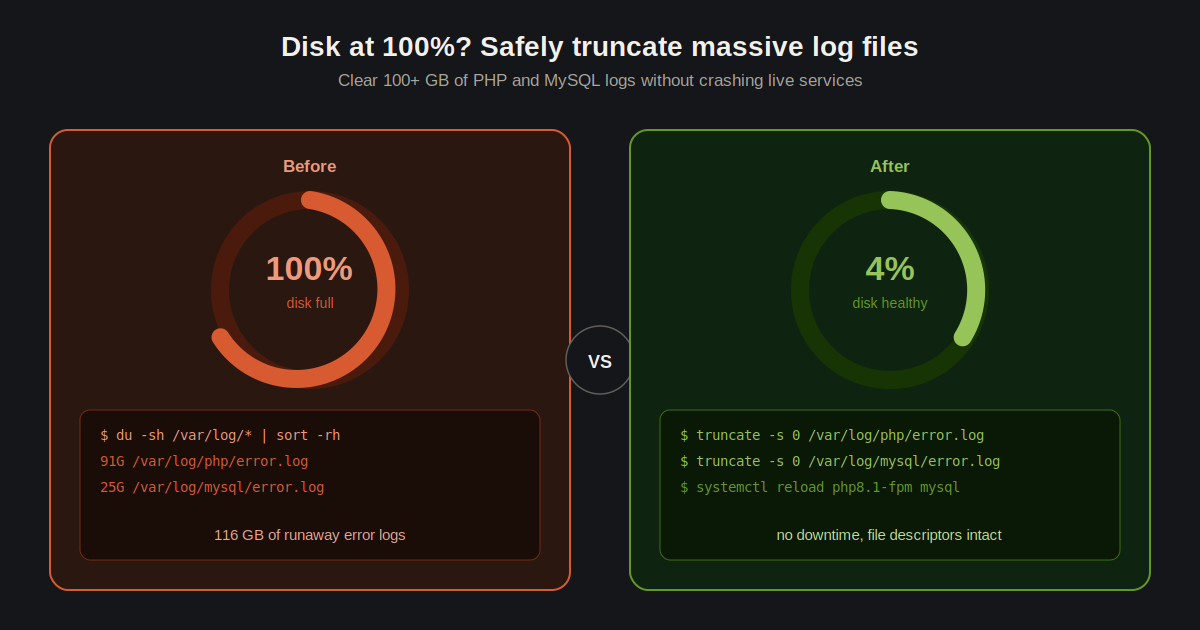
If you manage a production hosting environment, you already know how quickly rogue error logs can consume your entire disk space. Recently I had to perform an emergency server optimization on a live client site because the disk hit 100% capacity.
The culprits were a 91GB PHP error log and a 25GB MySQL log.
When logs get this massive, you cannot simply open them in a text editor to see what is wrong, and deleting them outright while the web server is actively writing to them can crash your services.
Here is the safest way to clear out massive log files via the terminal without taking down your live applications.
Step 1: Locate the Massive Logs First, you need to verify the exact paths of the files consuming your space. You can use the du command to find the largest files in your log directory.
du -sh /var/log/* | sort -rh | head -n 10Step 2: Safely Truncate the PHP Error Log Instead of using the rm command to delete the file, we will use the truncate command. This instantly drops the file size to zero bytes while keeping the file descriptor intact for PHP-FPM.
truncate -s 0 /var/log/php/error.log(Note: Replace the path above with the actual path to your PHP error log).
Step 3: Safely Truncate the MySQL Log The same rule applies to your database logs. Truncating is much safer than deleting and restarting the database engine.
truncate -s 0 /var/log/mysql/error.logStep 4: Restart Services While truncate usually works without a service restart, it is best practice to reload your services so they acknowledge the fresh file states.
systemctl reload php8.1-fpm systemctl reload mysqlThe Real Solution Clearing 110GB of log files is only a temporary fix. If your PHP script is generating 91GB of errors, you have a severe code conflict that needs to be debugged. Always check the first few lines of the newly truncated log to identify the root cause of the spam!
